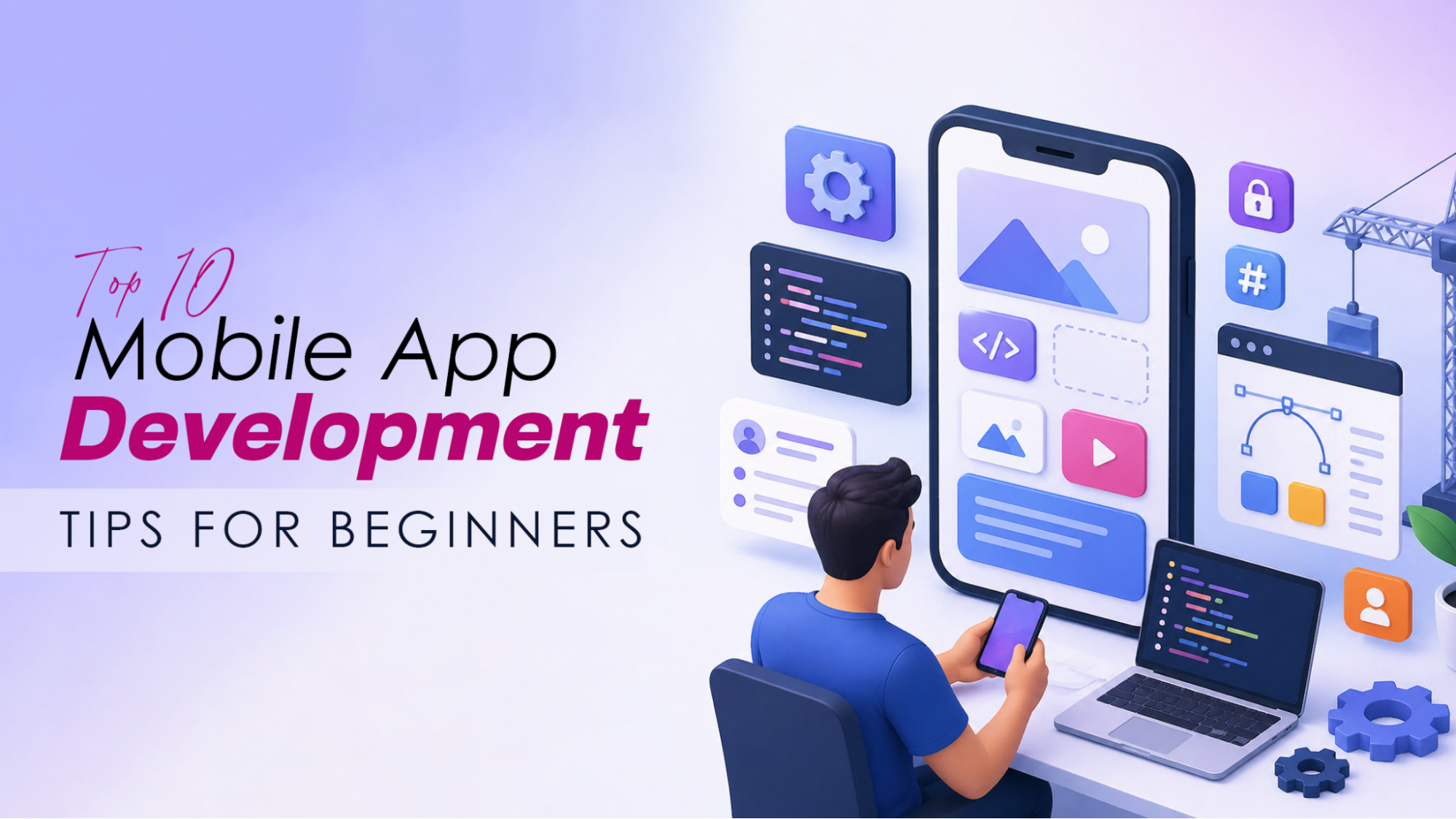
Everything you wish someone had told you before you wrote your first line of app code — straight, practical, and no fluff.
If you've been thinking about building your own mobile app, you're stepping into one of the most exciting and competitive industries on the planet. The mobile app development market is projected to surge from $116.87 billion in 2025 to nearly $988.5 billion by 2035. That's a massive opportunity sitting right in front of you.
But here's the honest truth: most beginners stumble not because they lack talent, but because they start without the right foundation. This guide gives you exactly that foundation, ten actionable Mobile App Development Tips, explained so you can actually use them from day one.
Table of Contents
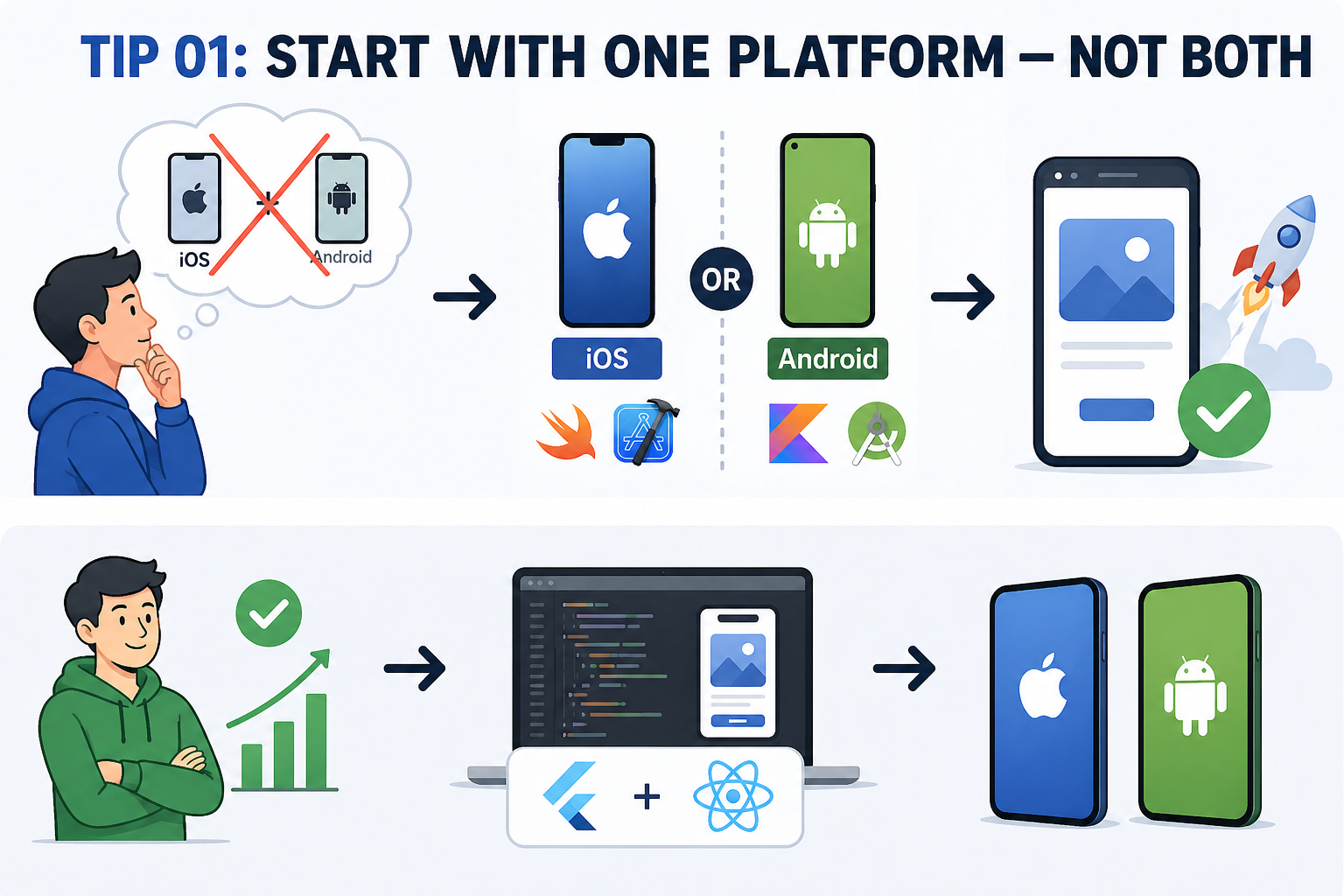
Tip 01. Start With One Platform — Not Both
When you're just starting out, the temptation to build for both iOS and Android simultaneously can be overwhelming. Resist it. Splitting your focus across two ecosystems means you'll do neither well.
Your first decision should come down to your target audience and your own device. If you use an iPhone and know iOS better, start with Swift and Xcode. If you're on Android, Kotlin and Android Studio are your starting point. Master one, ship one, then expand.
Your first app doesn't need to run everywhere. It needs to run somewhere — and run well.
Once you've built confidence and shipped a working product, cross-platform frameworks like Flutter or React Native can help you reach both audiences from a single codebase. But that's a step two conversation.
Tip 02. Learn the Fundamentals Before You Touch a Framework
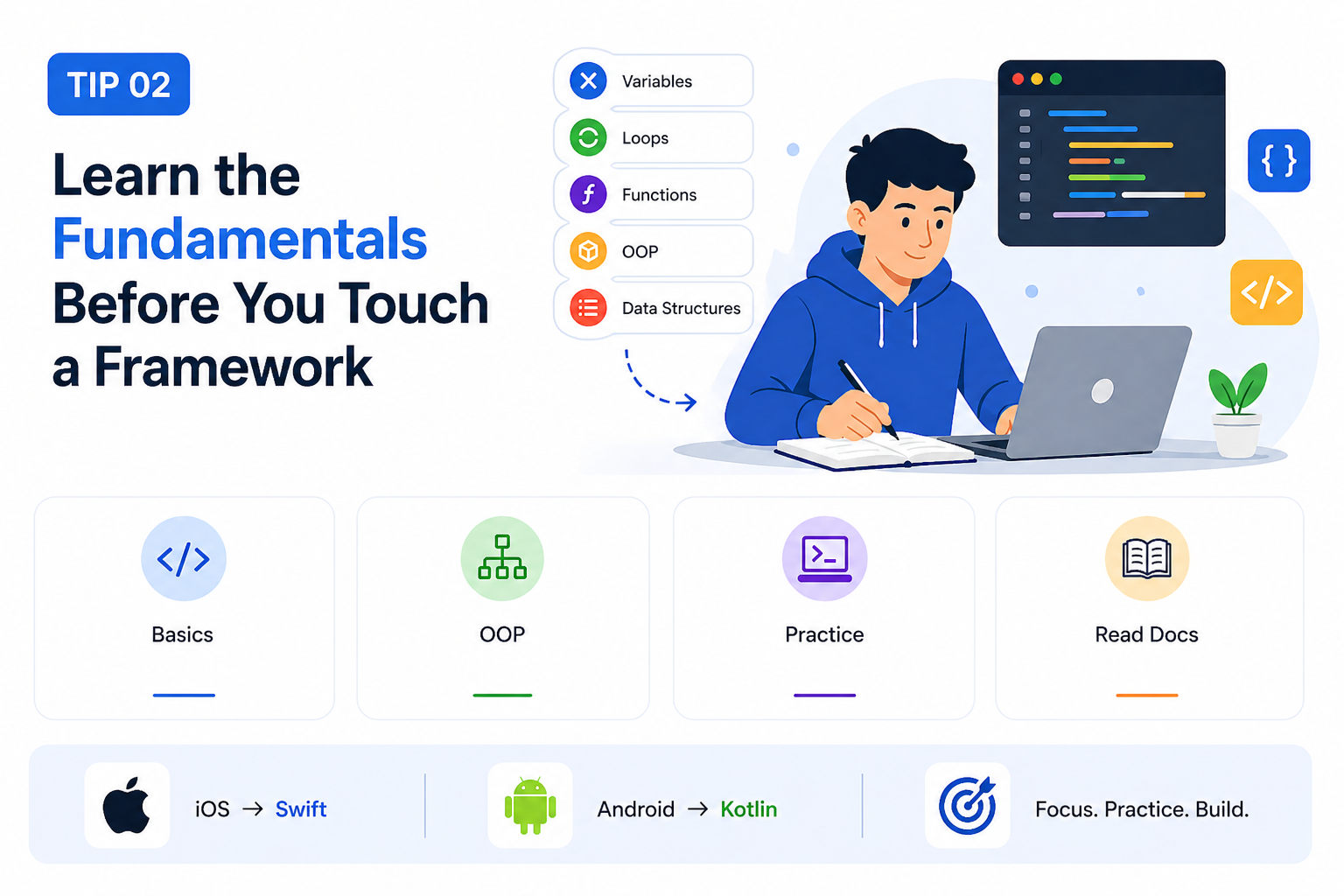
Frameworks and tools change constantly, but the fundamentals don't. Before you dive into Flutter widgets or React Native components, make sure you have a solid grasp of core programming concepts: variables, loops, functions, object-oriented programming, and basic data structures.
For iOS development, that means getting comfortable with Swift. For Android, it's Kotlin. These languages are modern, well-documented, and backed by Apple and Google, respectively. Don't skip this step by jumping straight to a "no-code" tool if your goal is a real developer career.
- Understand variables, data types, and control flow
- Learn object-oriented programming (classes, inheritance, encapsulation)
- Practice with small, standalone programs before building an app
- Read the official documentation — it's better than most tutorials
Tip 03. Solve a Real Problem — Not a Theoretical One
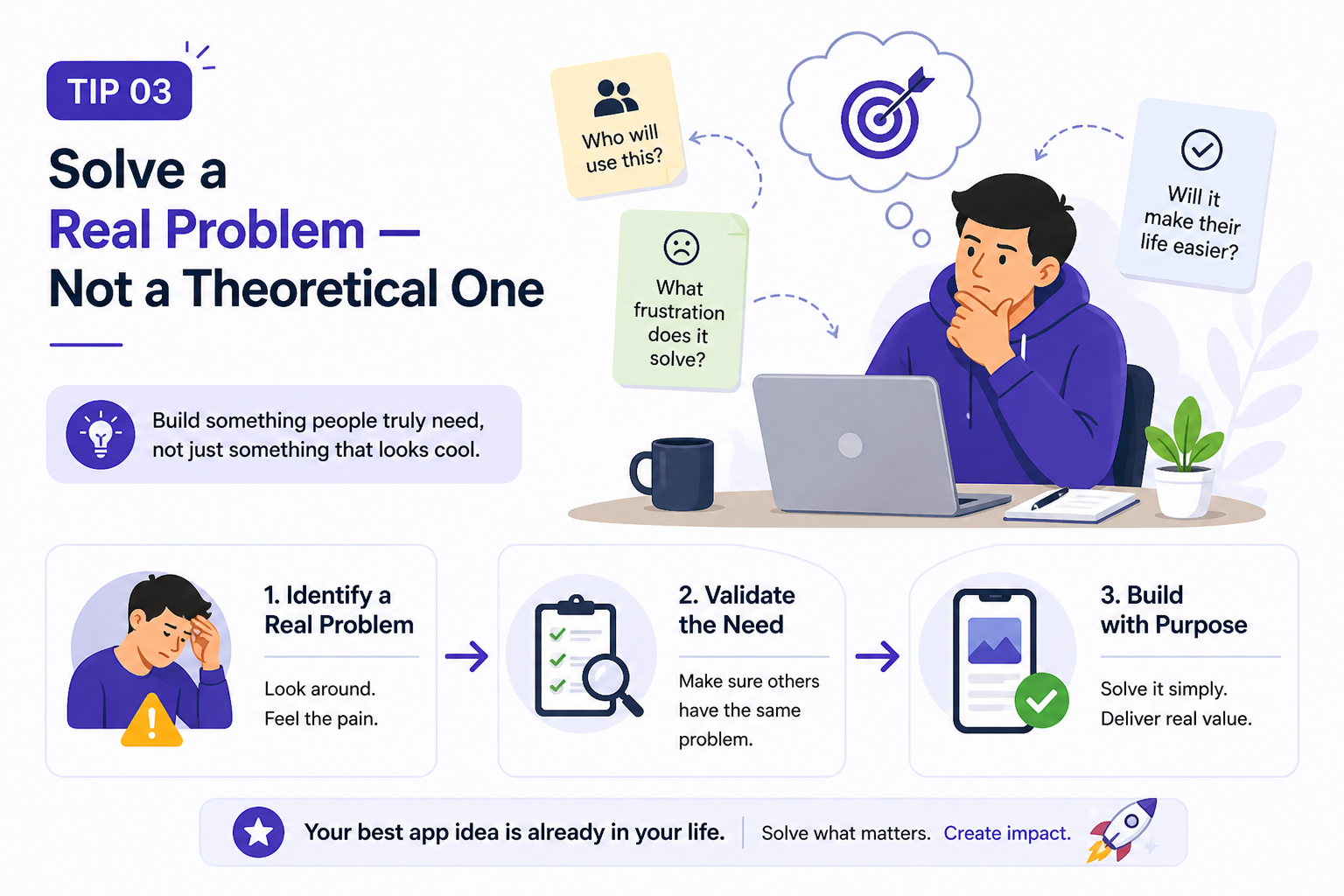
The graveyard of mobile apps is littered with technically impressive products that nobody needed. Before writing any code, first ask yourself: “Who is this app actually for? What frustration does it remove from their day?"
The best beginner apps come from personal pain points. Did you find yourself manually tracking something in a spreadsheet? Did you wish a specific workflow on your phone were faster? Those are your best starting ideas, because you already understand the problem deeply.
Talk to at least 5 potential users before building anything. Their answers will reshape your idea completely — and that's a good thing.
Keep your first app's scope brutally narrow. One core feature, done exceptionally well, beats ten half-baked features every single time.
Tip 04. Design for Thumbs, Not for Monitors
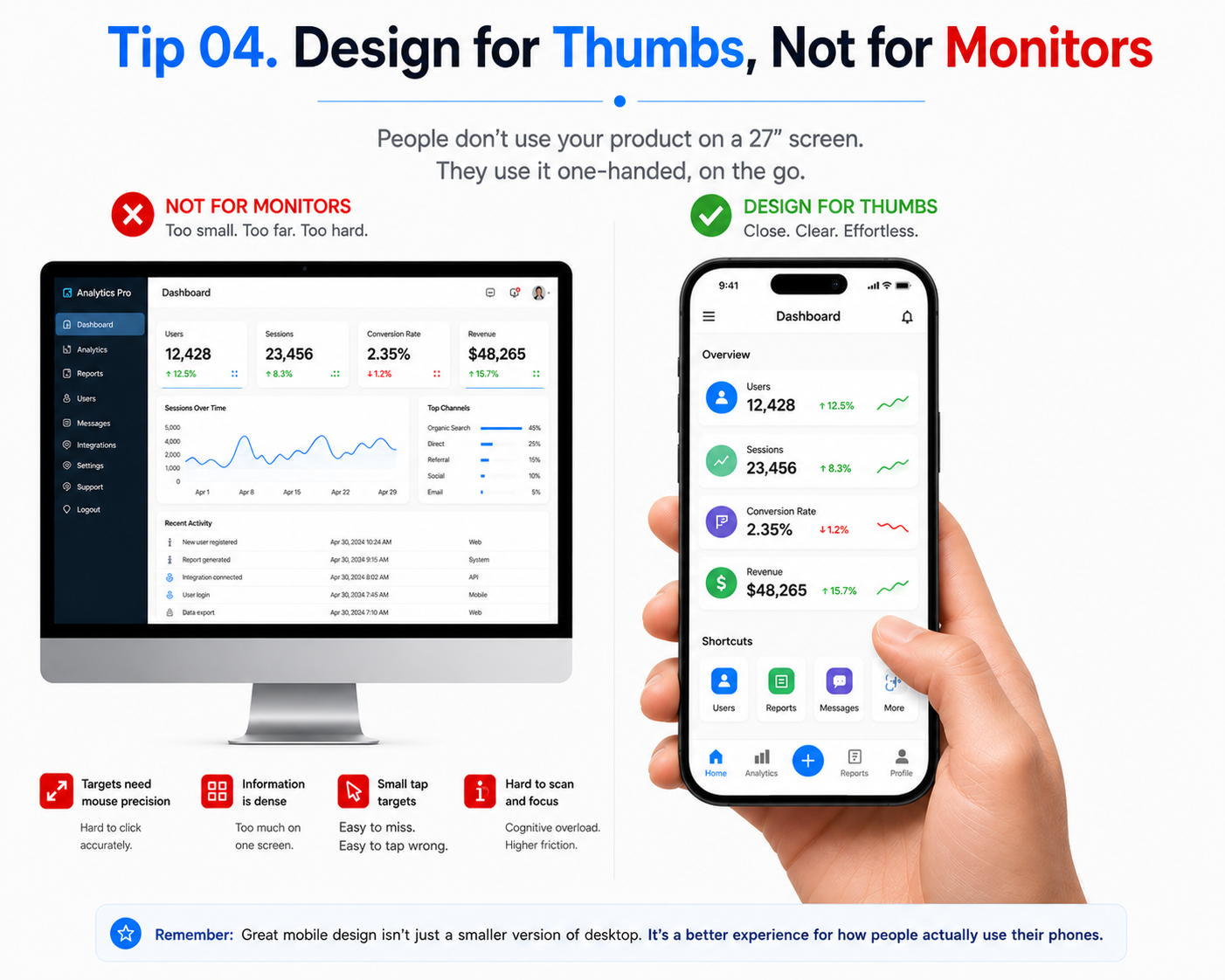
Mobile UI is a completely different discipline from web design. Your users are tapping on a glass screen, often one-handed, frequently distracted. Every design decision you make needs to account for that reality.
Follow Apple's Human Interface Guidelines (HIG) if you're building for iOS, and Google's Material Design system if you're targeting Android. These aren't optional style guides — they are the shared language your users already speak. Breaking them creates friction; following them creates trust.
- Keep tap targets at least 44×44 points (Apple recommendation)
- Place primary actions within easy thumb reach, at the bottom of the screen, not at the top
- Use system fonts and native UI components where possible
- Test your layout on small screens (iPhone SE, budget Androids), not just flagship devices
- Never use color alone to convey meaning, account for color blindness
Tip 05. Wireframe First, Code Second
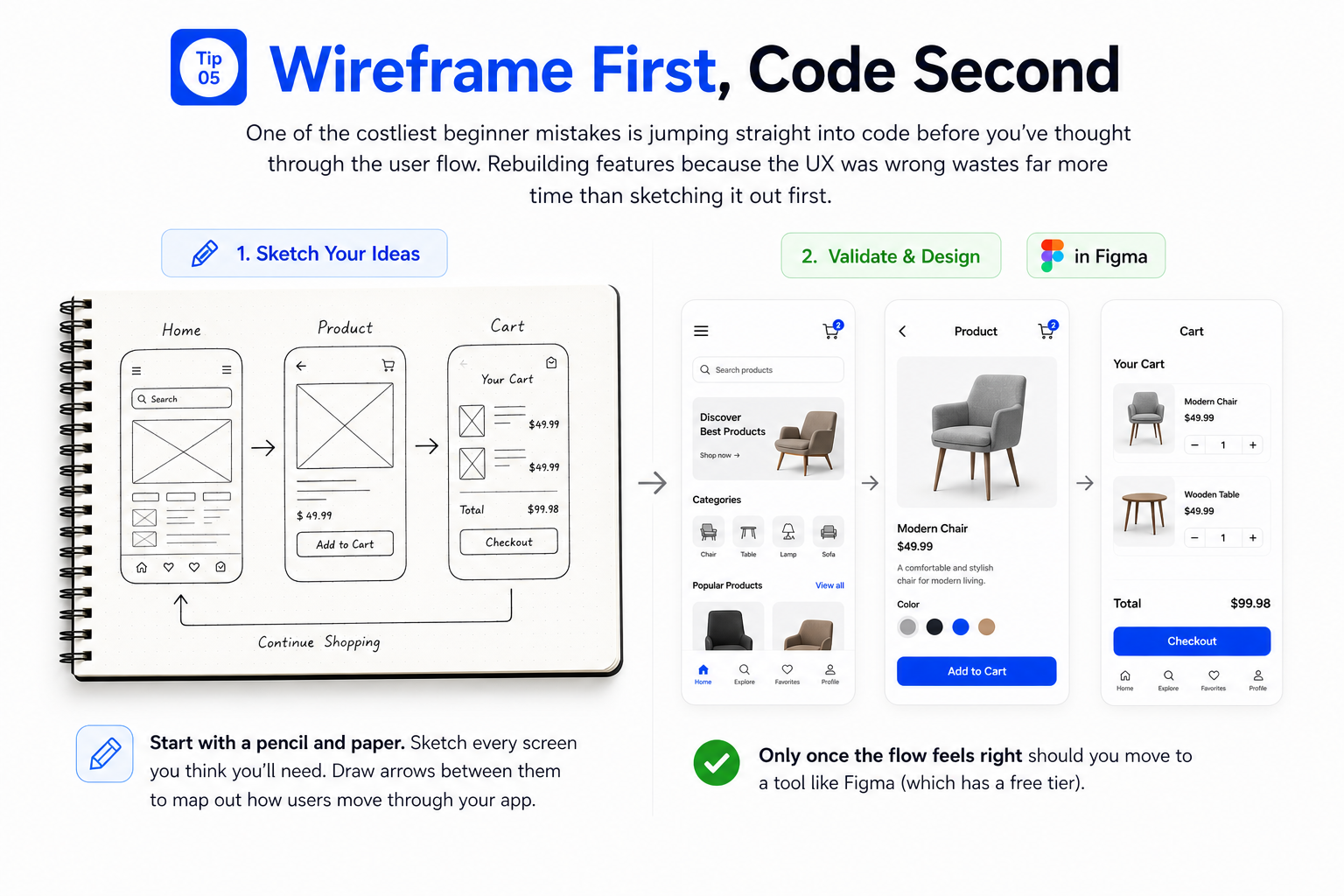
One of the costliest beginner mistakes is jumping straight into code before you've thought through the user flow. Rebuilding features because the UX was wrong wastes far more time than sketching it out first.
You don't need a design degree or expensive software for this. Start with a pencil and paper. Sketch every screen you think you'll need. Draw arrows between them to map out how users move through your app. Only once the flow feels right should you move to a tool like Figma (which has a free tier).
A five-minute sketch on paper can save you five hours of refactoring code. Never skip this step.
When you eventually do go to Figma or similar, create a clickable prototype and test it with real users before coding anything. You'll be surprised how much changes — and grateful you caught it early.
Tip 06. Use Version Control From Day One
If you're not using Git, you're one bad afternoon away from losing everything. Version control is not optional; it's the single most important professional habit you can build as a developer.
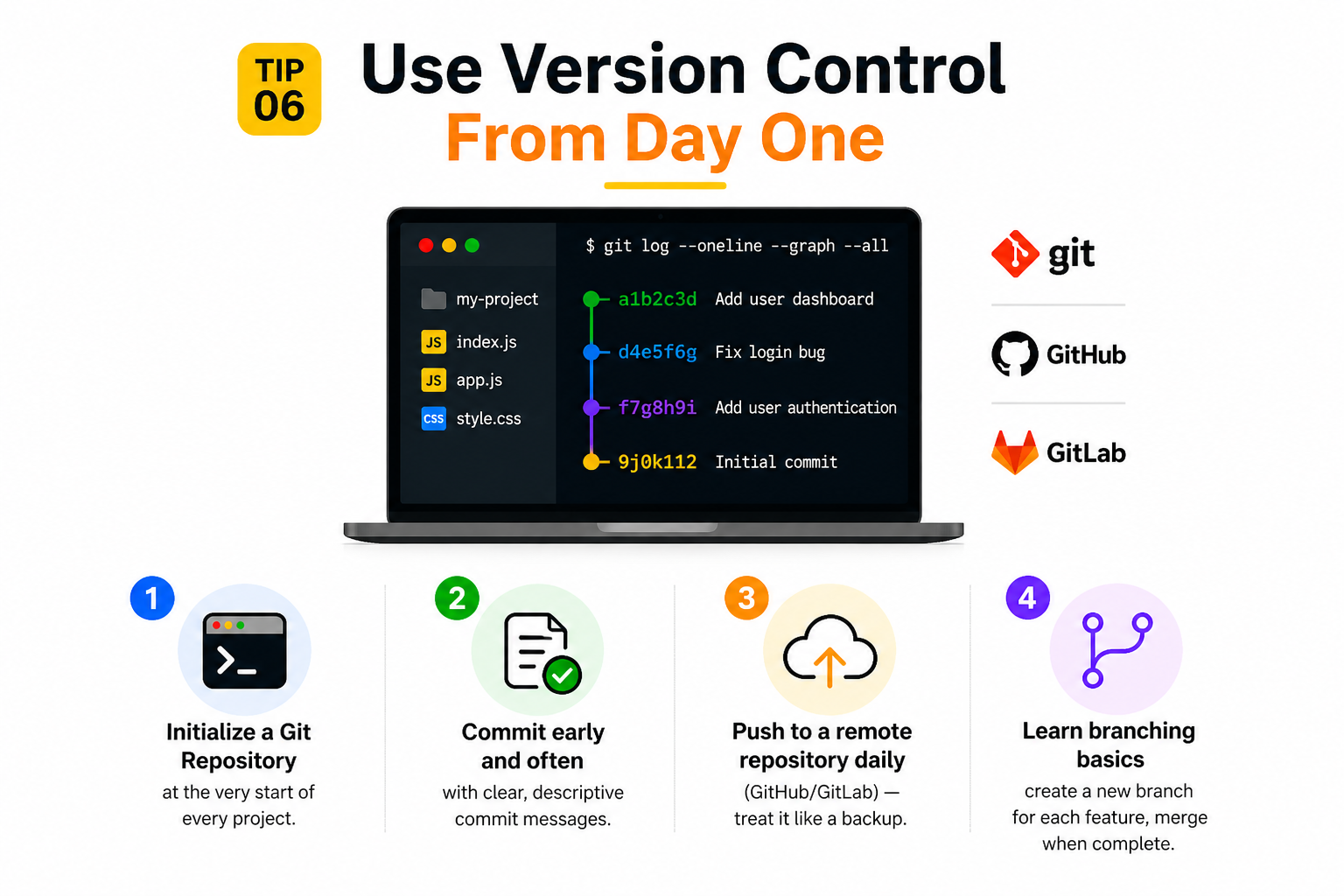
Git lets you track every change you make to your code, revert to an earlier version when something breaks, and collaborate with others cleanly. GitHub or GitLab gives you free cloud-hosted repositories. Start using them the moment you create your first project file.
- Initialize a Git repository at the very start of every project
- Commit early and often with clear, descriptive commit messages
- Push to a remote repository (GitHub/GitLab) daily — treat it like a backup
- Learn branching basics: create a new branch for each feature, merge when complete
Tip 07. Build the MVP — Then Iterate
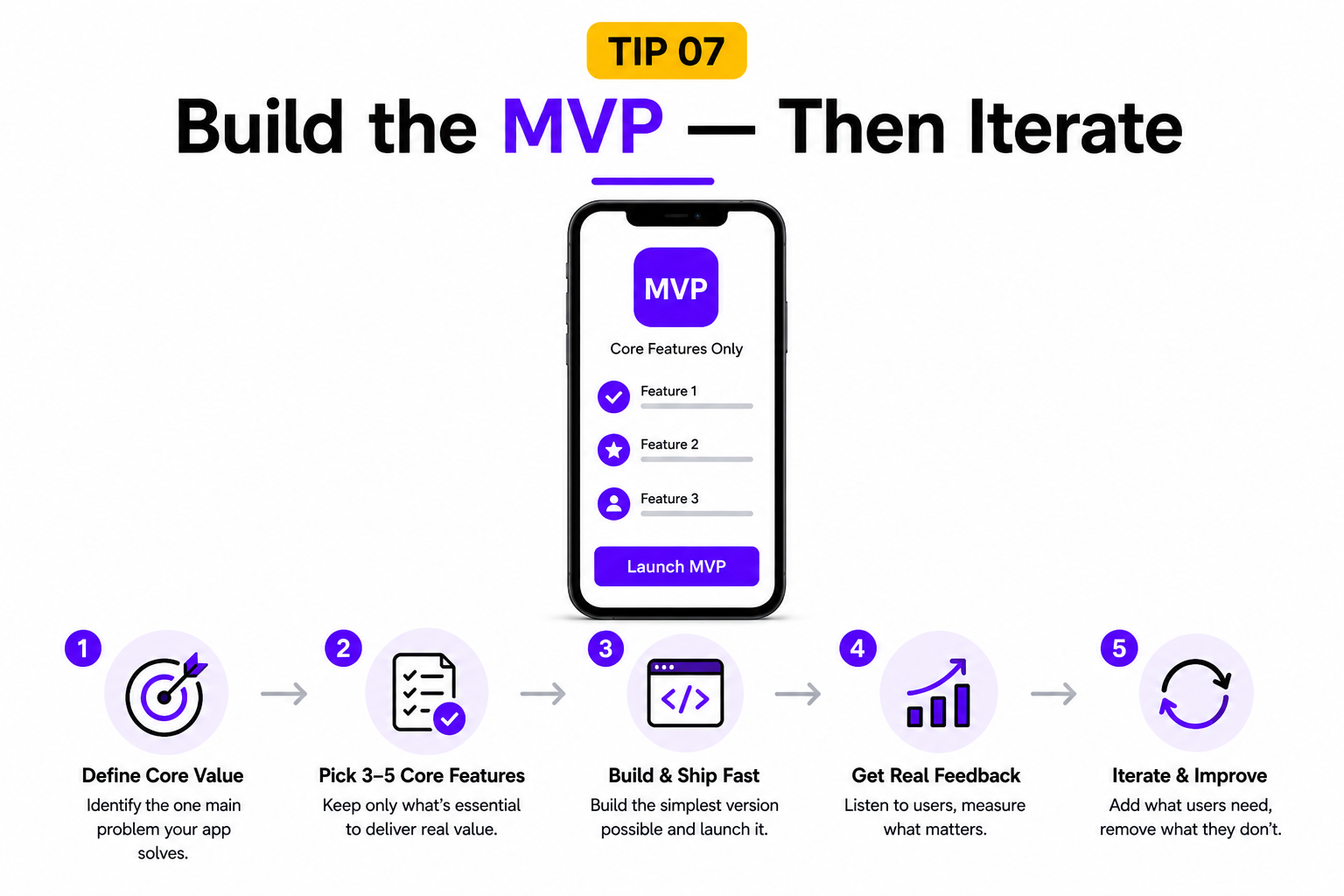
MVP stands for Minimum Viable Product, and it's the most powerful concept in mobile app development. Your MVP is the smallest version of your app that delivers real value to real users. Not a demo. Not a prototype. A working product — just stripped down to the core.
The danger zone for beginners is feature creep: adding "just one more thing" until the project becomes so heavy it never ships. An app that ships with three good features beats an app that never ships because it had twenty planned ones.
Your MVP is not your finished app. It's your first real conversation with your users — and what they tell you next is gold.
Once your MVP is out in the world, use real user feedback — not your assumptions — to decide what gets built next.
Tip 08. Test on Real Devices — Not Just Simulators
Simulators are wonderful for rapid iteration, but they lie to you. They don't drain a real battery. They don't experience actual network latency on a crowded 4G signal. They don't feel the difference between 60fps and 45fps under your fingertips. Real devices do.
As soon as your app has any meaningful functionality, get it onto a physical device. Test on the oldest device your target users might realistically use — not just the latest iPhone or flagship Android. Performance issues that are invisible on a simulator become glaring on a three-year-old mid-range phone.
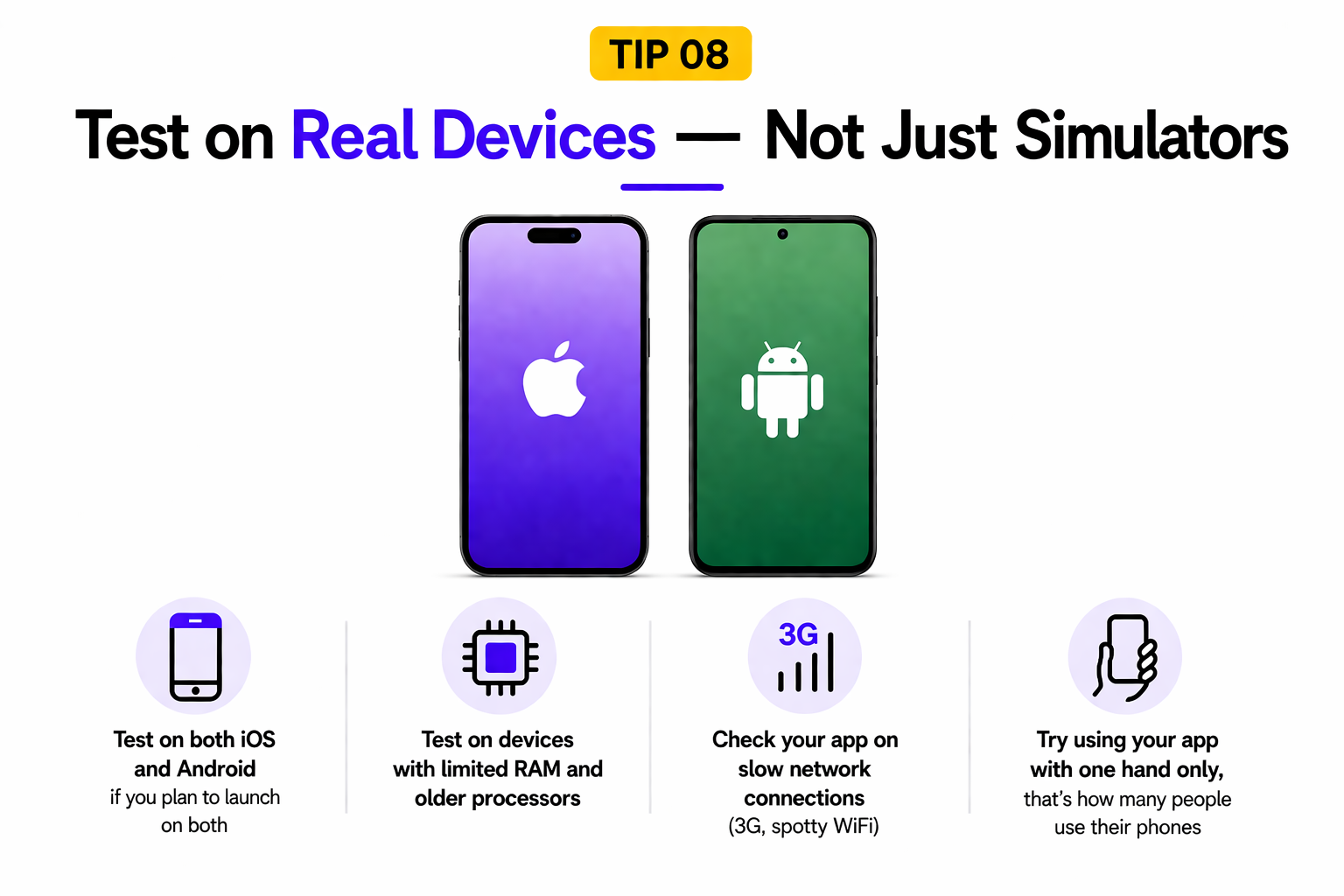
- Test on both iOS and Android if you plan to launch on both
- Test on devices with limited RAM and older processors
- Check your app on slow network connections (3G, spotty WiFi)
- Try using your app with one hand only; that's how many people use their phones.
Tip 09. Prioritize Performance and Battery Life
Users will forgive a lot. They won't forgive an app that makes their phone hot, drains their battery, or stutters when scrolling. Performance is not a polish step you add at the end, it's a discipline you build in from the start.
Keep your app's startup time under two seconds. Avoid running heavy operations on the main thread (this is what causes UI freezes). Compress your images. Cache data intelligently so you're not making unnecessary network calls. Use lazy loading — only load resources when the user actually needs them.
According to AppsFlyer's analysis of 6 billion app installs, the average day-one retention rate is 24.33% — and falls to just 6% by day 30
Profile your app early using your platform's built-in tools: Instruments on iOS, Android Profiler on Android. These tools show you exactly where your app is burning time and memory.
Tip 10. Build in Public and Find Your Community
Development in isolation is slower and lonelier than it needs to be. The mobile app development community is genuinely warm and helpful — on X (Twitter), Reddit (r/iOSProgramming, r/androiddev), Stack Overflow, and Discord servers dedicated to iOS, Android, and Flutter.
Sharing your progress publicly — even when it's rough — does two things: it keeps you accountable, and it attracts early users. Post screenshots. Post what you learned this week. Post when you solved a bug that stumped you for three days. People follow the journey, not just the finished product.
- Join the subreddits for your platform and read them weekly
- Post your progress on social media; even small wins count
- Answer questions on Stack Overflow, even as a beginner (teaching reinforces learning)
- Find a coding buddy or accountability partner at your level
- Submit to ProductHunt or Indie Hackers when your MVP is ready
Your Next Step Starts Now
You now have ten principles that separate developers who ship from developers who perpetually plan. The honest truth is that none of these tips matter until you actually start.
Don't wait until you feel "ready." Pick one small idea, open Xcode or Android Studio, and write your first screen today. It won't be perfect. It doesn't need to be.
Your app idea might become nothing. Or it might become the thing that changes your career, your income, and your life. The only way to find out is to build.
If you want to move faster with expert support, Aron Web Solutions helps businesses design and build scalable React Native apps, from idea to launch.
Disclaimer: This is not a sponsored or promotional blog post. All recommendations and insights are drawn from our team’s direct experience.
Frequently Asked Questions (FAQs)
Start with a clear idea and focus on solving a real problem. Build for one platform first, keep the design simple, and prioritize performance. Test early, gather user feedback, and improve continuously instead of trying to launch a perfect app in one go.
A custom mobile app development company builds your app specifically for your business needs. You get better performance, scalability, and flexibility compared to ready-made solutions. It also ensures your app stands out and can grow as your business evolves.
User-centered design ensures your app is easy to use, intuitive, and meets real user needs. This leads to better engagement, higher retention, and more positive reviews, which are essential for long-term success.
The cost depends on features, complexity, and platform. A basic app can cost a few thousand dollars, while more advanced apps with custom features can go much higher. The final cost is influenced by design, development time, and integrations.
Development time varies based on complexity. A simple app may take 2–3 months, while a more advanced app can take 4–8 months or longer. Proper planning and clear requirements can help speed up the process.
A successful app should be fast, easy to navigate, and reliable. Key features include a clean user interface, strong security, smooth performance, and useful functionality that solves a specific problem for users.
Look for experience, a strong portfolio, and positive client feedback. The right company should understand your goals, communicate clearly, and offer scalable solutions. Transparency in pricing and timelines is also important.