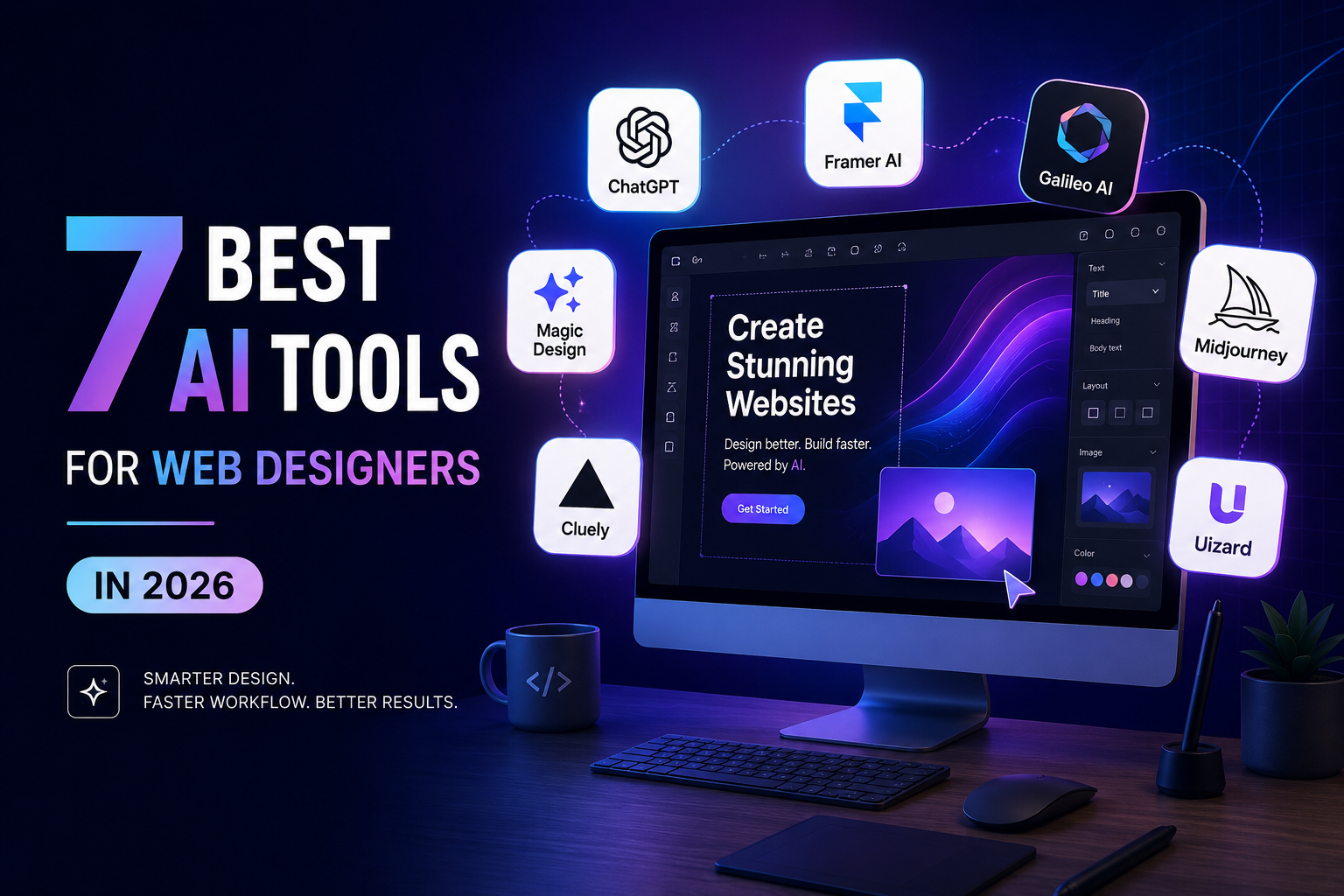
It's natural to feel confused when picking one AI design tool, especially as companies keep launching new ones. Most AI design tools seem to have similar features, making it difficult for you to find out why you should choose A and not B.
Should you choose a free or paid tool? Which platform is better if you plan to redesign your website in the future? Which one offers the scalability your business needs? This blog answers these questions and more.
This blog clears your confusion by comparing the leading AI tools for Web designers based on their key features, pricing, ease of use, customization, and overall value.
Whether you're a freelancer, a startup, or a large b2b web design agency, this blog has a lot to drive value and make the right decision.
Table of Contents
1. Framer (Free plan available)
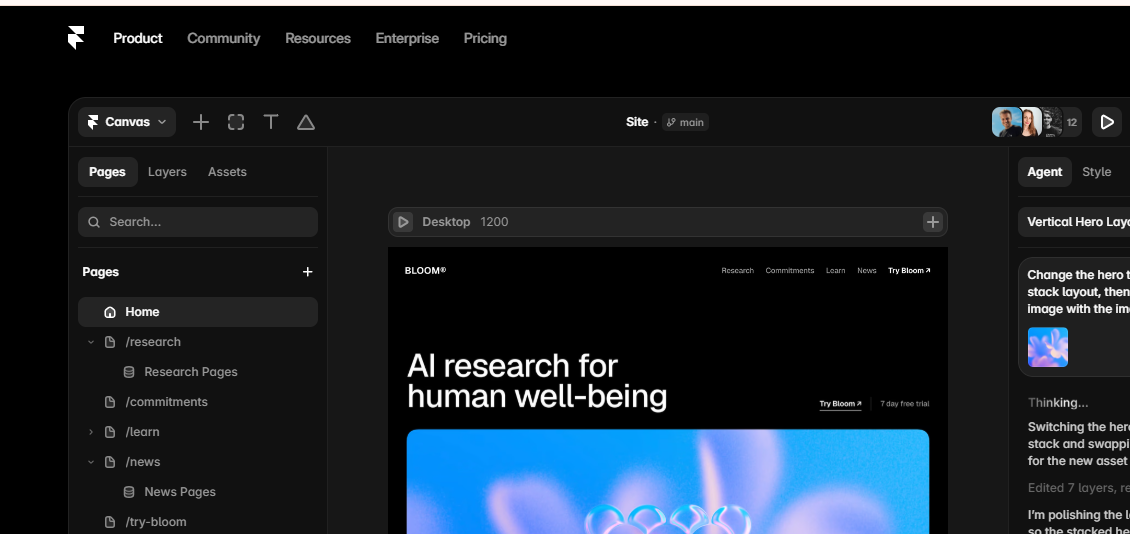
Framer has evolved from a prototyping tool into one of the most powerful AI website builders available today. It combines AI-generated layouts with professional-grade design controls, making it popular among startups, SaaS companies, and modern web designers.
Instead of starting from a blank canvas, users simply describe the type of website they want. Framer AI generates pages, copy, layouts, navigation, and responsive sections within minutes.
Key Features
- AI website generation from text prompts
- Responsive layouts by default
- CMS support
- Interactive animations
- Built-in hosting
- SEO optimization
- Component library
- Fast publishing
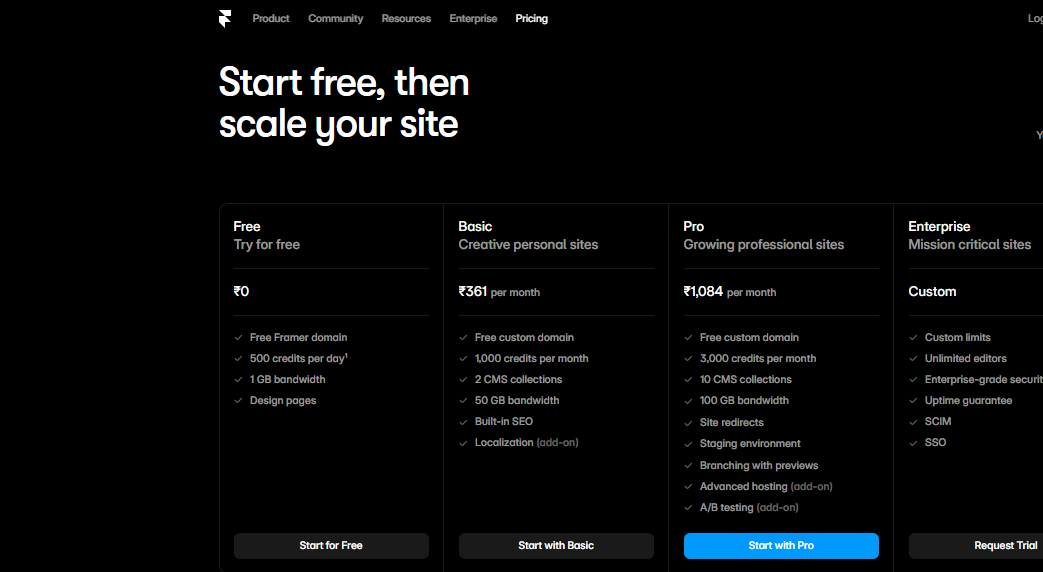
Choose the plan that fits your goals—from the Free plan to get started, Basic at ₹361/month for personal websites, Pro at ₹1,084/month for professional websites, or Enterprise with custom pricing for businesses that need advanced security, scalability, and collaboration features.
2. Webflow (Free plan available)
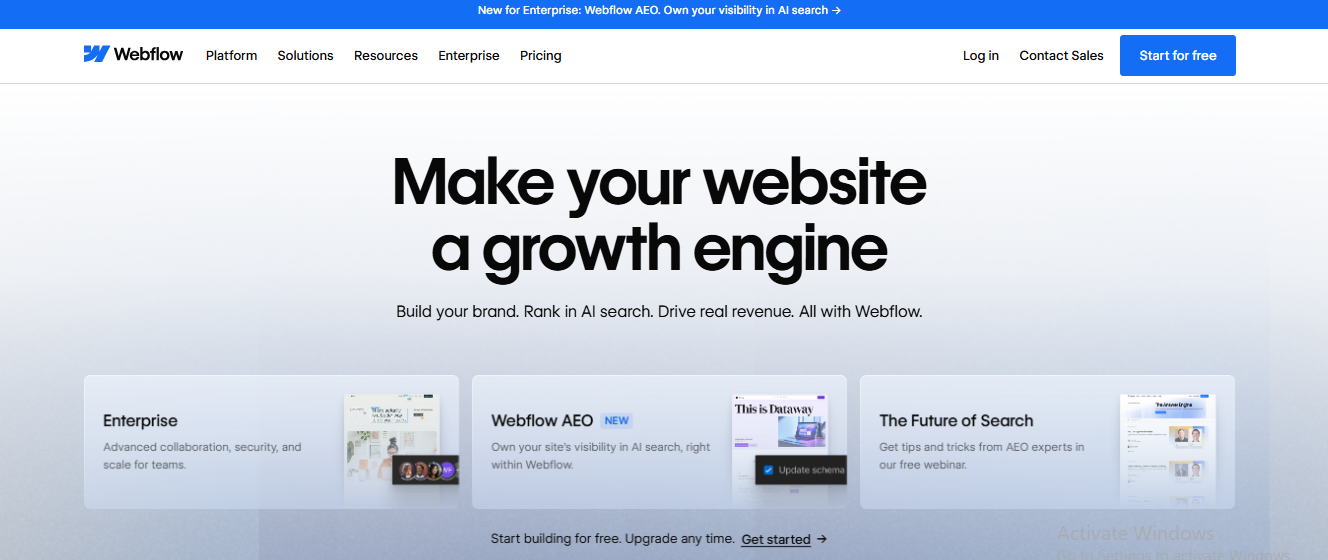
Webflow's AI is different from other website builders because it offers visual design, smart automation, and built-in marketing features. It is a powerful AI-powered website builder that lets you create a website using just a few prompts.
Webflow’s AI features give you structure, speed, and flexibility. Plus, you don’t have to choose between launch speed and scalability. For content-heavy, CMS-driven, and enterprise-scale sites, it remains one of the most capable visual builders available.
This makes it particularly attractive for a B2B web agency managing complex marketing websites.
Key Features
- Visual CSS editor
- AI content assistance
- Advanced CMS
- E-commerce capabilities
- SEO controls
- Dynamic interactions
- Responsive layouts
- Team collaboration
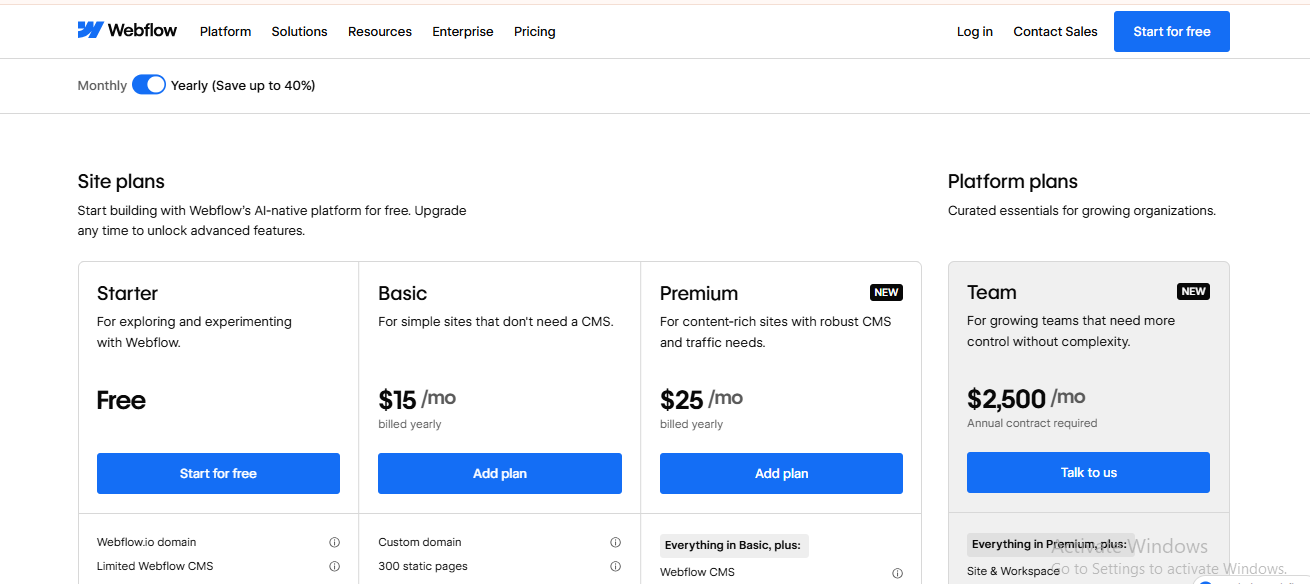
Pricing: Free plan available. Basic site plans start at $15/month. Agency and enterprise plans are custom.
3. Wix Studio (Free plan available)
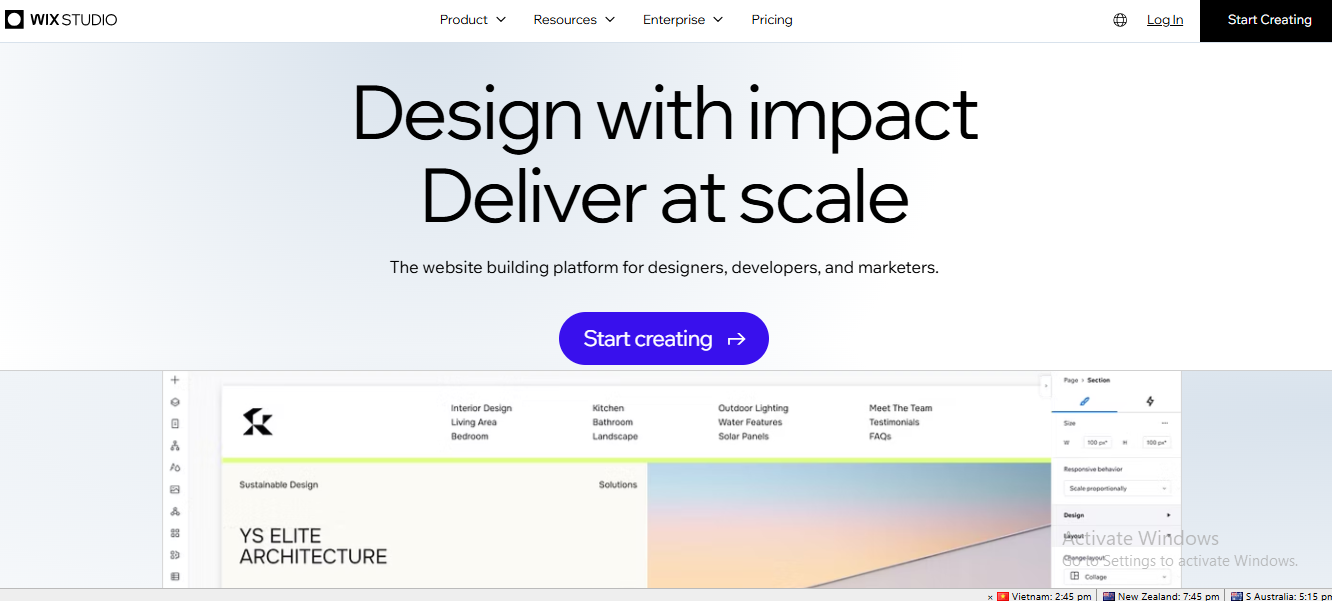
Wix Studio represents the professional version of the traditional Wix builder. It integrates AI into website creation while giving designers significantly more flexibility than the classic Wix editor.
Its AI assistant can generate complete websites, layouts, business content, and images based on user prompts.
Key Features
- AI website generation
- Responsive editor
- Visual design tools
- Team collaboration
- Built-in hosting
- Business management features
- App marketplace
- Client management dashboard
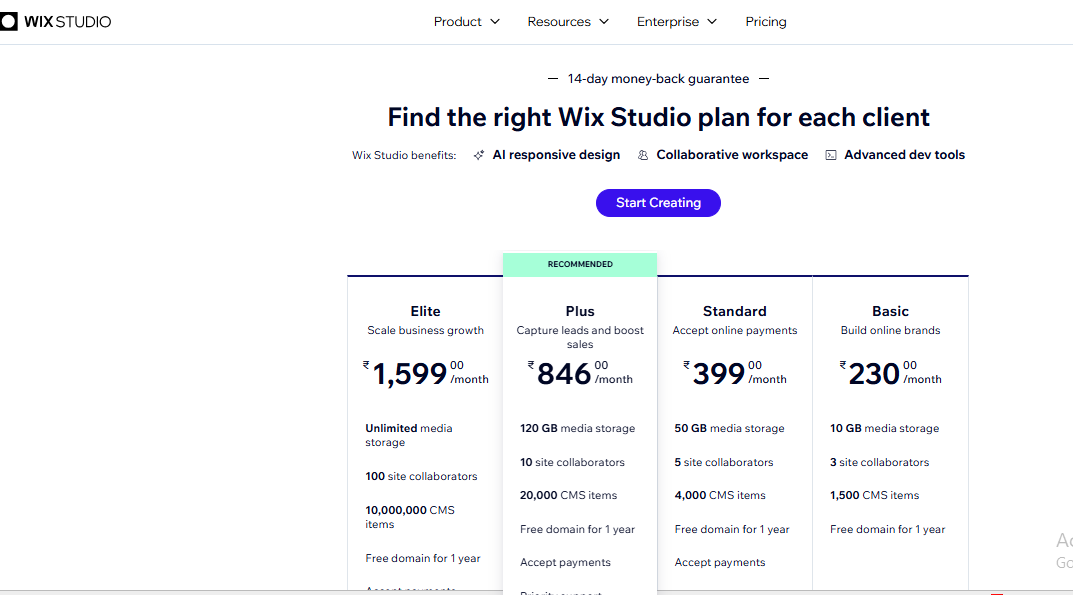
Find the right Wix Studio plan, starting at $10.50/month for Basic and scaling up to Elite at $70/month for growing businesses.
4. Lovable (Free plan available)
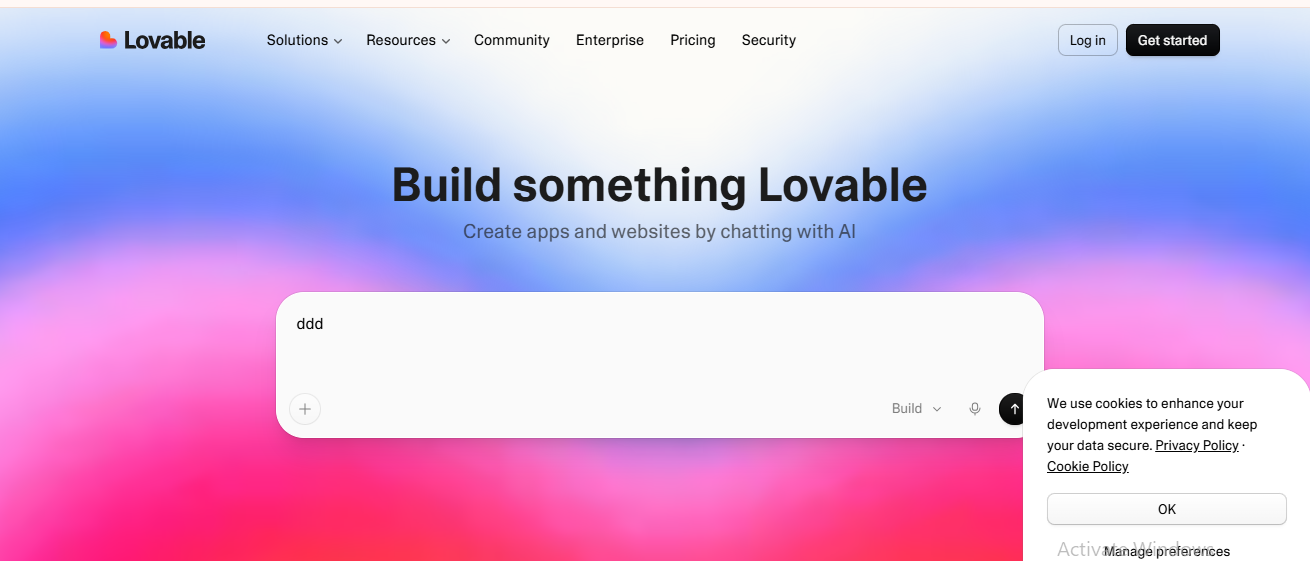
Lovable has quickly gained attention as one of the most innovative AI website creation tools. Instead of manually designing pages, users describe their product or business, and the AI generates a working web application or website.
It is especially useful for MVPs, SaaS products, dashboards, and startups.
Key Features
- Prompt-based website creation
- AI code generation
- Backend integration
- Rapid prototyping
- GitHub support
- Database connectivity
- Real-time editing
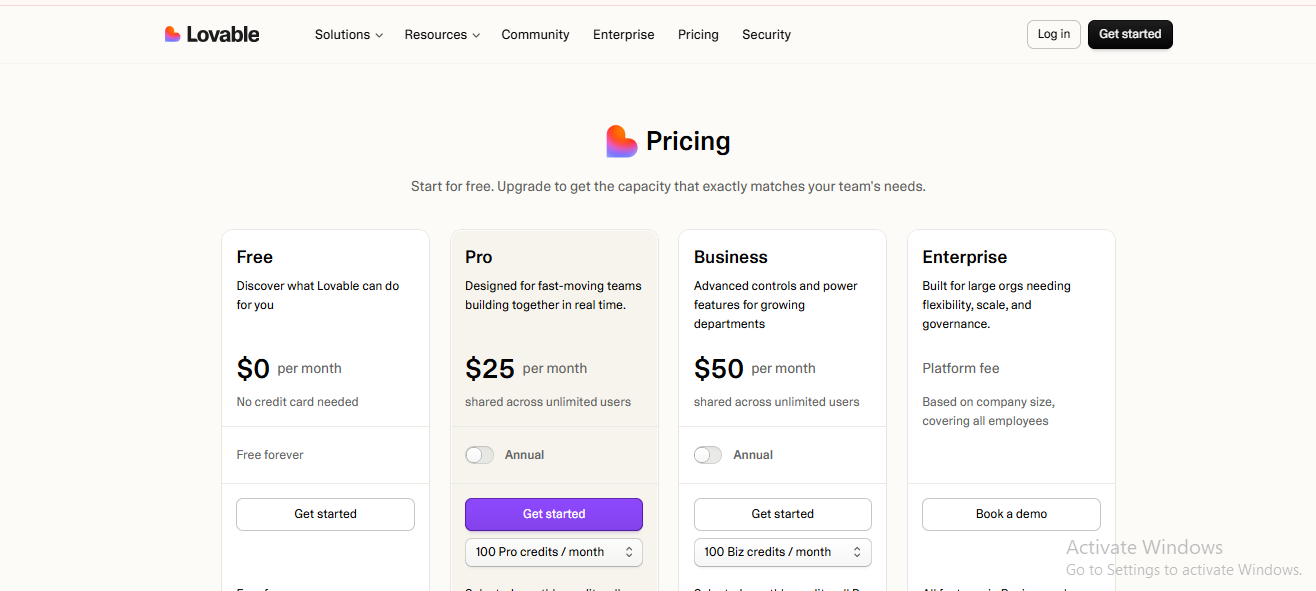
Pricing: Free plan available. Starter at $25/month. Business at $0/month.
5. 10Web (Free plan available)
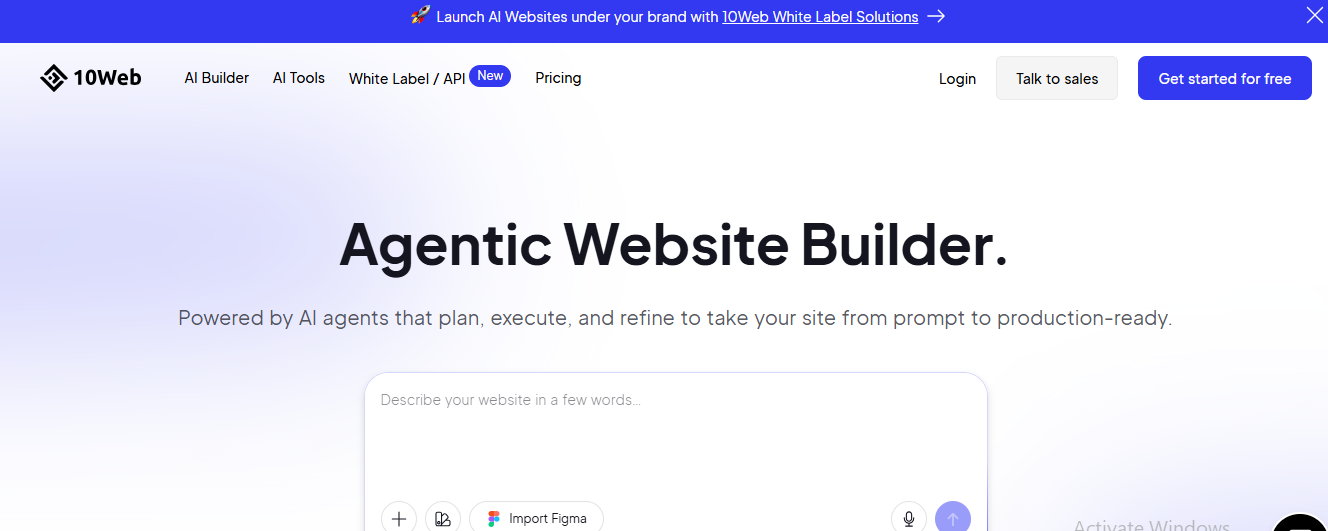
10Web focuses primarily on WordPress websites. Its AI builder can recreate an existing site from a URL, generate a fresh WordPress layout from a short prompt, and turn that draft into an editable site instead of a static mockup.
It also includes managed hosting, automated backups, and performance optimization, which make it especially useful for teams that want both design speed and operational reliability.
For businesses already using WordPress, 10Web is particularly valuable when migrating older sites, rebuilding client projects, or launching service pages quickly without starting from scratch.
Agencies can use it to speed up repetitive builds, while small businesses benefit from the combination of AI generation and WordPress flexibility without needing to manage separate hosting and optimization tools.
Key Features
- AI WordPress builder
- Website recreation
- AI-generated layouts
- Managed hosting
- Performance optimization
- Automatic backups
- WooCommerce support
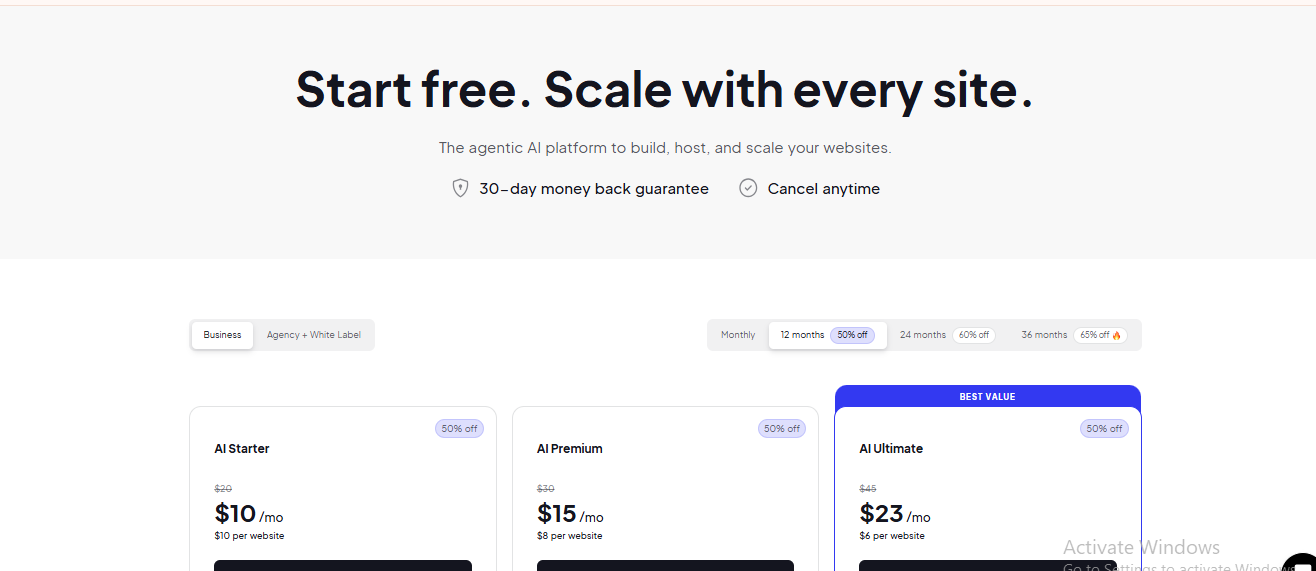
Choose the AI plan that fits your needs, with pricing starting at $10/month for AI Starter, $15/month for AI Premium, and $23/month for AI Ultimate.
6. Figma (Free plan available)
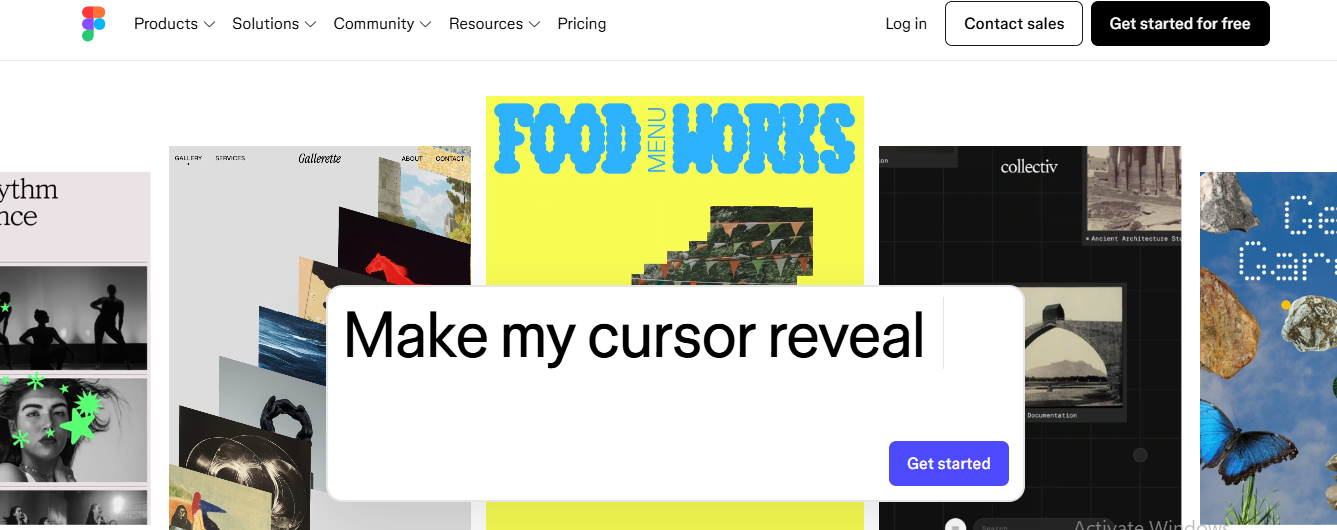
Although Figma isn't a website builder, it remains the industry-standard UI/UX design platform. Recent AI updates have made it even more powerful by assisting with layout generation, content creation, design automation, and prototyping.
Nearly every professional web design workflow still begins inside Figma.
Key Features
- AI-assisted design generation
- Auto layout
- Interactive prototyping
- Component libraries
- Design systems
- Team collaboration
- Developer handoff
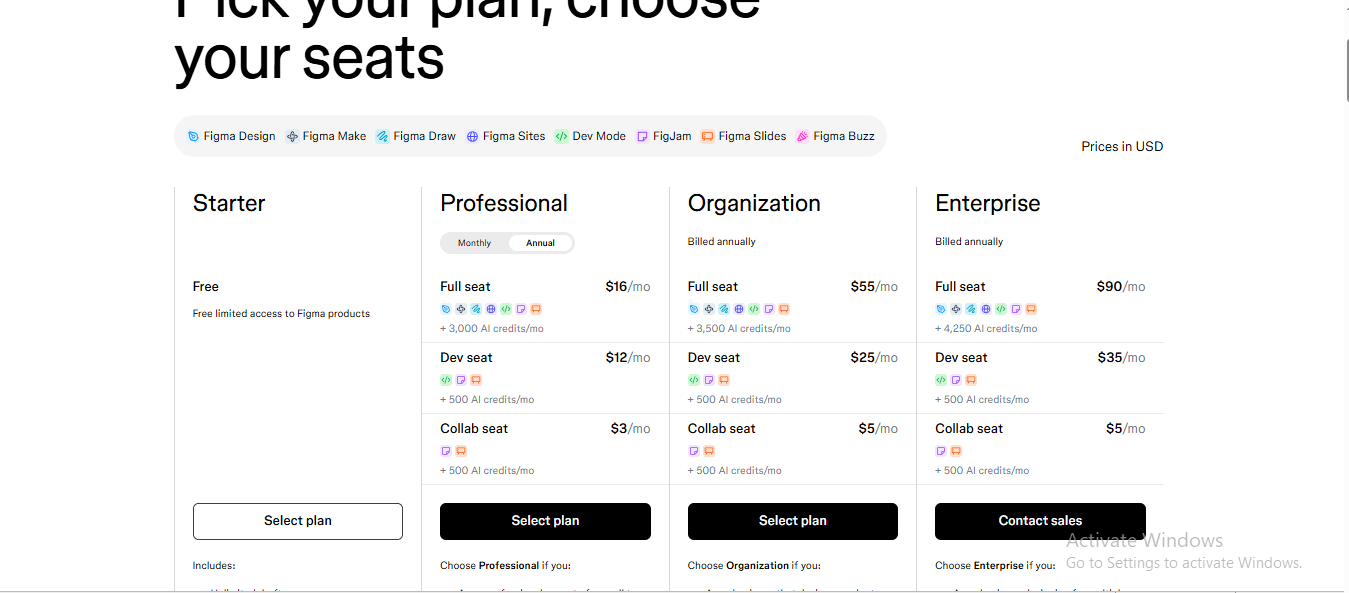
Choose the Figma plan that fits your team, from the free Starter plan to Professional at $16/seat/month, Organization at $55/seat/month, and Enterprise at $90/seat/month for advanced collaboration, security, and scalability.
Relume (Free plan available)
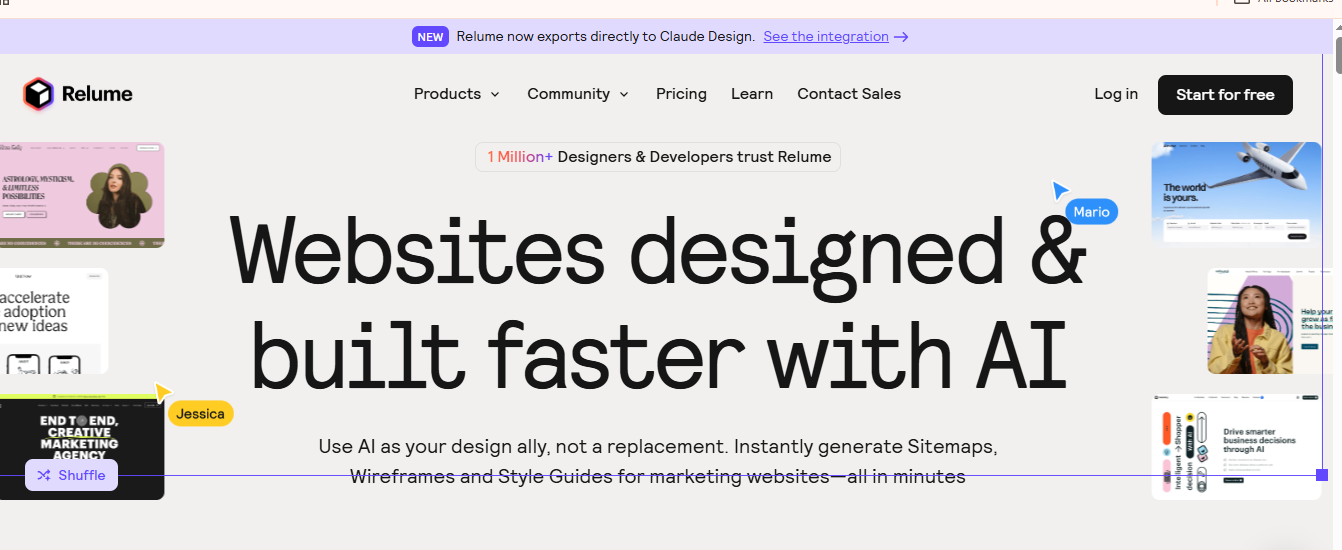
Relume combines AI with one of the largest component libraries for Webflow and Figma users. Rather than generating random layouts, it creates structured sitemaps, wireframes, and reusable components.
It significantly speeds up website planning before visual design begins.
Key Features
- AI sitemap generation
- AI wireframes
- Component library
- Webflow export
- Figma integration
- Style guides
- Content generation
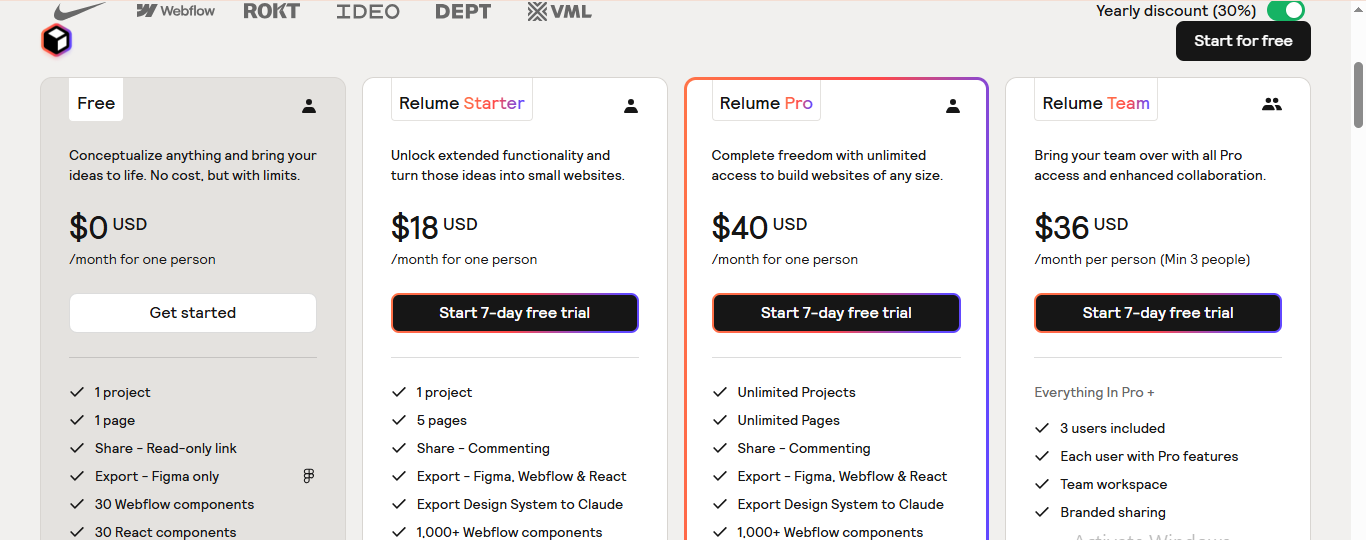
Choose the Relume plan that suits your workflow, from the Free plan to Starter at $18/month, Pro at $40/month, and Team at $36/user/month (minimum 3 users), with more features and collaboration tools as your projects grow.
Conclusion
Web design in 2026 isn't slower; it's just moved. AI tools haven't changed what good design requires; they've changed how long it takes to get there.
Choose the tools that align with your workflow, project requirements, and clients' needs. The greatest value of AI is not replacing designers but giving them more time to focus on the decisions that require human judgment.
At Aron Web Solutions, we view AI as an accelerator rather than a replacement for expertise. We combine AI-powered platforms with expert design, development, and SEO to help businesses launch high-performing websites faster.
Disclaimer: This is not a sponsored or promotional blog post. All recommendations and insights are drawn from our team’s direct experience.
Frequently Asked Questions (FAQs)
No. AI speeds up design tasks, but creativity, strategy, branding, and user experience decisions still require human expertise.
Most platforms, including Framer AI, Webflow, Wix Studio, Figma, and Relume, offer free plans with optional paid upgrades for advanced features.
Wix Studio and Framer AI are among the easiest platforms for beginners due to their intuitive interfaces and AI-powered website generation.
Webflow is a popular choice for B2B web design agencies because it offers a powerful CMS, scalability, collaboration tools, and enterprise-ready features.