Planning to launch an ecommerce store but unsure which platform fits your business best? Selecting the wrong solution can limit your reach, reduce sales, and negatively affect how Google evaluates your brand.
Two of the most widely used ecommerce platforms are WooCommerce and Shopify. According to W3Techs, WooCommerce powers 9% of all websites, while Shopify accounts for 5.1%.
This article examines the pros and cons of WooCommerce and Shopify to help you choose the right platform for your specific business needs. But first, let’s take a closer look at what these platforms are and how they support your ecommerce operations.
Table of Contents
What is WooCommerce?
WooCommerce is a no-cost plugin that adds full ecommerce functionality to a WordPress website. It enables you to sell products and manage your online store directly from your existing site.
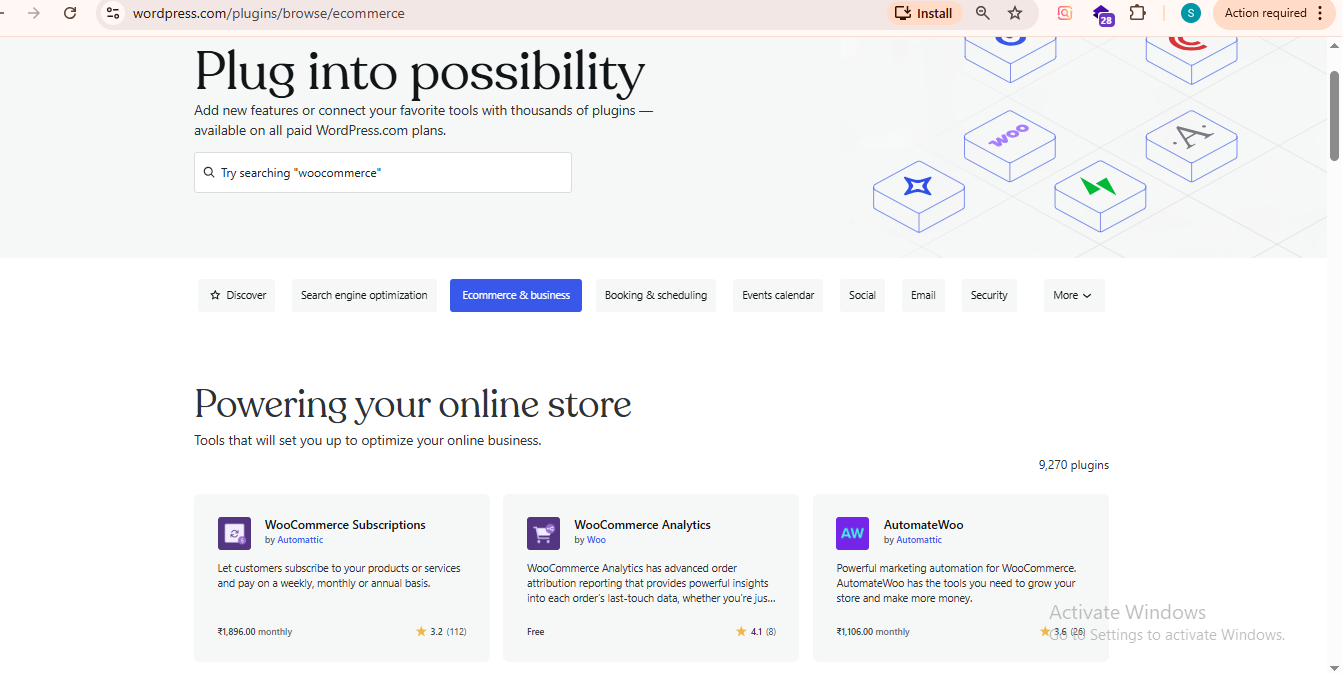
With WooCommerce, you can sell physical products, digital downloads, WooCommerce memberships, subscriptions, bookings, and more. It supports secure Woo payments, inventory management, shipping options, tax settings, and customer accounts, all within the WordPress dashboard.
Because it is open-source, WooCommerce offers you extensive customization. You can choose from thousands of themes and plugins. As per your business needs, you can tailor the design, features, and integrations.
This flexibility makes it suitable for small startups as well as large-scale online stores that require advanced functionality.
What is Shopify?
Shopify is an easy-to-use e-commerce platform that allows you to create, manage, and scale online stores without needing advanced technical skills.
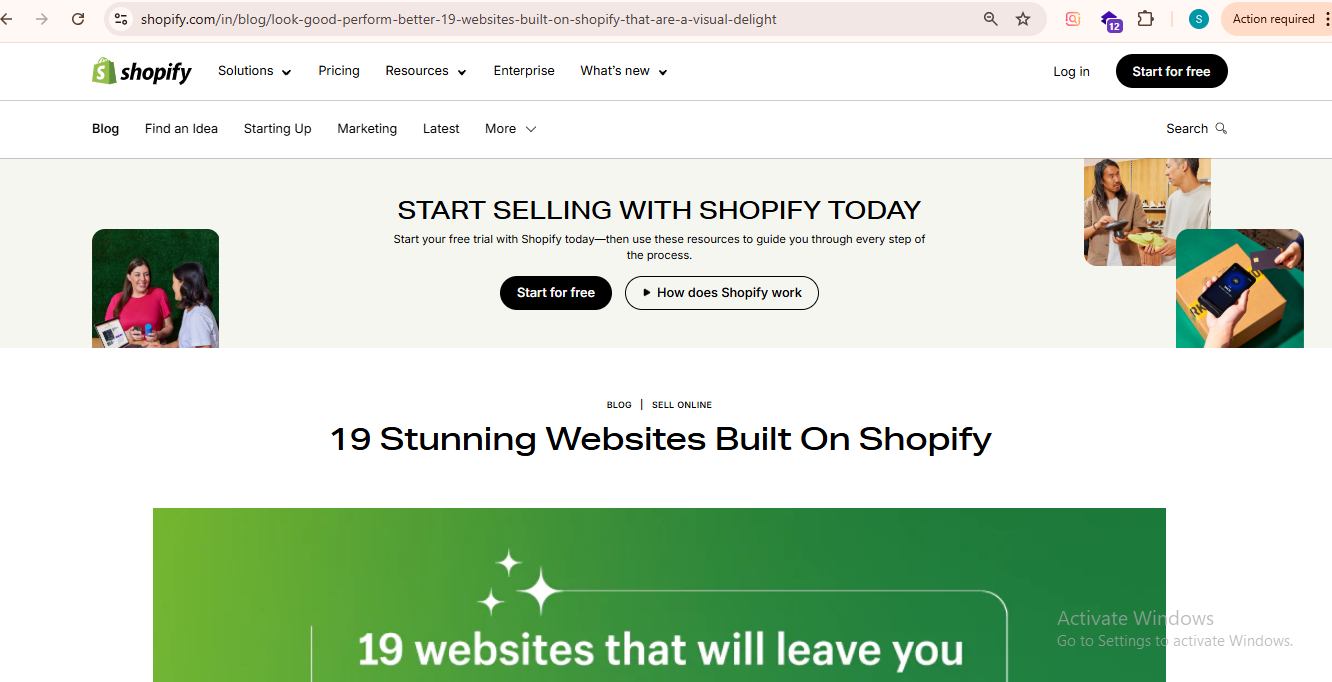
It is a fully hosted solution, which means Shopify handles website hosting, security, updates, and performance. You can choose from ready-made themes, customize your storefront, add products, manage inventory, process payments, and track orders, all from a single dashboard.
Shopify supports the sale of physical products, digital goods, subscriptions, and even in-person sales through its point-of-sale (POS) system. It also integrates with multiple payment gateways, shipping providers, and third-party apps to extend functionality.
Because it is subscription-based and designed for ease of use, Shopify is a go-to choice for businesses that want a streamlined setup process and minimal technical maintenance.
Which Factors Influence WooCommerce vs. Shopify?
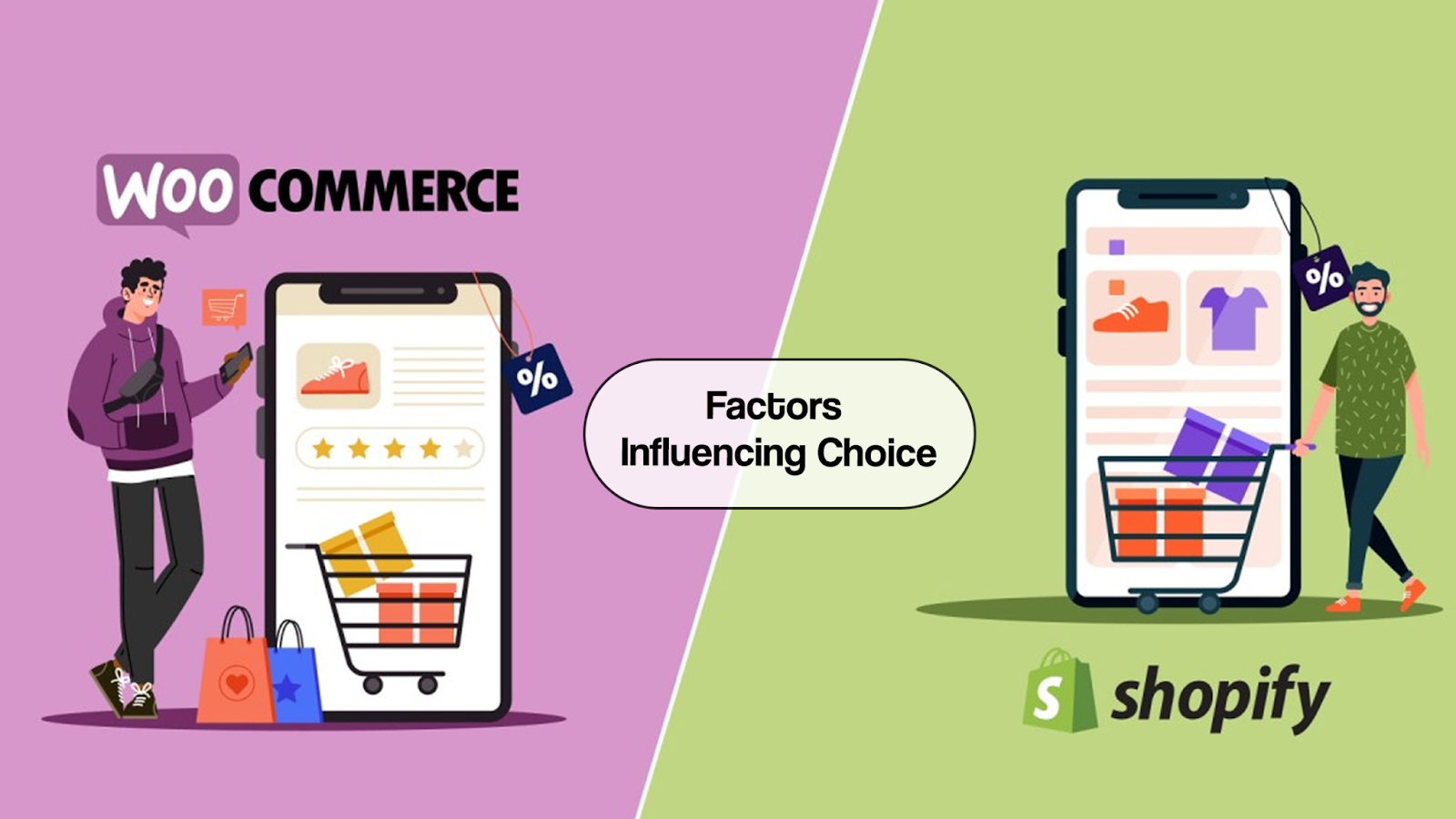
Below are some key factors to consider when choosing between WooCommerce and Shopify:
Ease of Use
Shopify is a fully hosted ecommerce platform that includes hosting, security, updates, and performance management within a subscription. Its interface is intuitive, with drag-and-drop customization and structured setup. Technical maintenance is handled by the platform, and 24/7 support is available.
WooCommerce is a plugin for WordPress. It requires separate hosting, installation, and configuration. You are responsible for security, backups, updates, and performance optimization. While this setup demands more technical involvement, it also provides greater flexibility and control.
Pricing
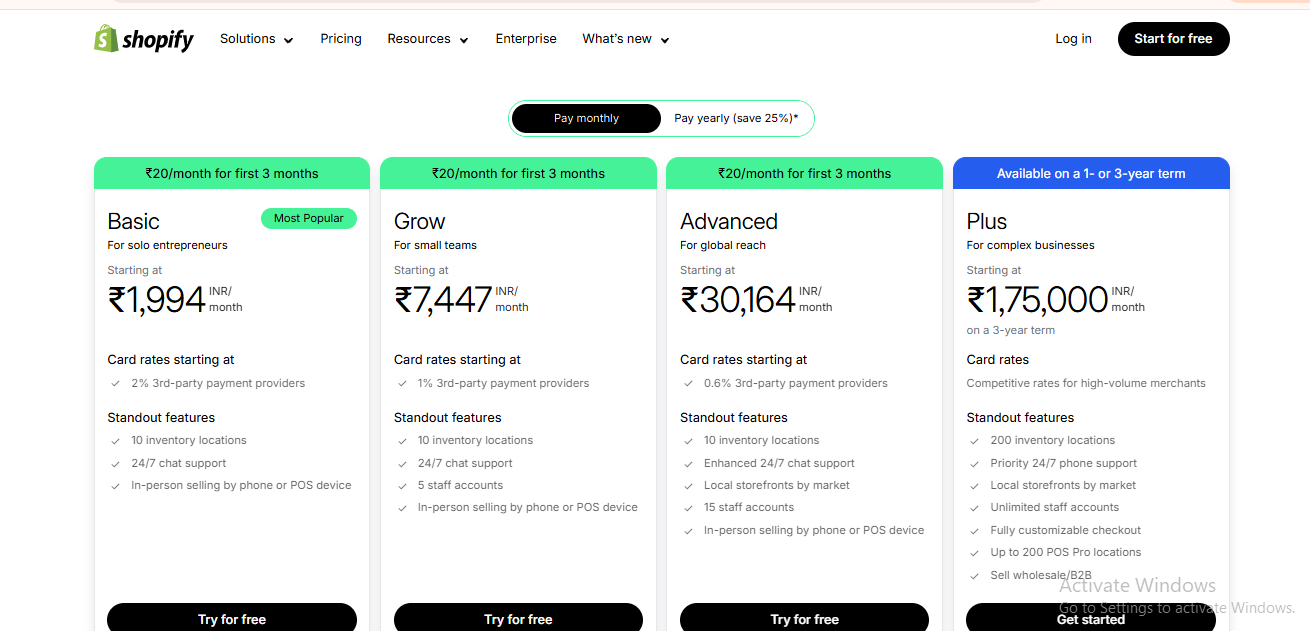
Shopify operates on a monthly subscription model, with tiered plans that include hosting and core features. Transaction fees may apply unless using Shopify’s native payment gateway. Costs are predictable but ongoing, and premium apps can increase monthly expenses.
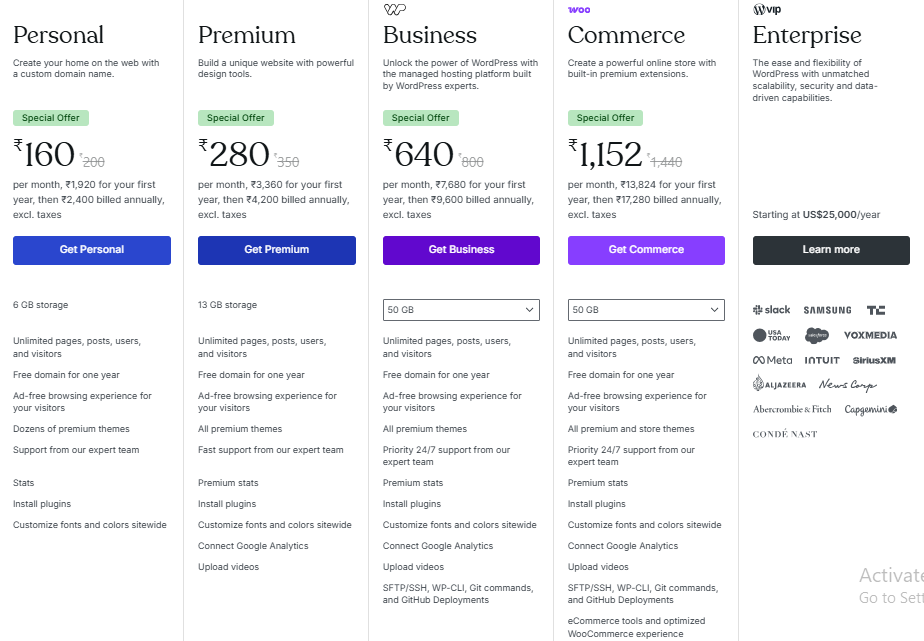
WooCommerce itself is free, but costs arise from hosting, domain registration, premium themes, extensions, and possible developer assistance. Expenses vary widely depending on the level of customization and performance requirements.
Customization and Flexibility
Shopify allows customization through themes and apps, but access to core code is limited. Advanced customizations may require knowledge of Shopify’s proprietary templating language.
WooCommerce offers extensive customization because it is open-source. Expert developers can modify nearly every aspect of the store, from design to checkout flow. This makes it suitable for businesses needing highly tailored solutions.
Scalability
Shopify handles infrastructure automatically, so scaling traffic or product volume generally does not require server management. You can upgrade plans as they grow.
WooCommerce scalability depends on the hosting provider. High traffic stores may require upgraded hosting plans or optimized server configurations. Scaling is possible but must be actively managed.
Dropshipping
Shopify is widely used for dropshipping due to its streamlined app integrations and automation tools. Many third-party services are designed specifically for Shopify.
WooCommerce supports dropshipping through plugins, but setup and automation typically require more configuration and oversight.
Website Speed and Performance
Shopify includes built-in hosting and automatic speed optimization. Performance consistency is one of its advantages, particularly for non-technical users.
With WooCommerce, speed depends on hosting quality, theme selection, and optimization tools. Strong performance is achievable but requires manual configuration.
SEO Capabilities
WooCommerce benefits from the SEO flexibility of WordPress. Users have full control over URLs, metadata, and optimization plugins, which can support advanced SEO strategies.
Additionally, staying updated with the latest WooCommerce news helps store owners adapt to feature updates, security improvements, and search engine changes that may impact rankings.
Shopify includes solid built-in SEO features, but URL structures and some technical SEO elements are less flexible compared to WooCommerce.
Security and Maintenance
Shopify manages security, SSL certification, and updates centrally. This reduces risk, especially if you prefer not to handle technical details yourself.
With WooCommerce, security depends on hosting quality, plugin updates, and user management. You are responsible for maintaining site security and software updates.
Ownership and Control
WooCommerce gives full ownership over website files and the hosting environment. You retain direct control over data and infrastructure.
Shopify operates as a hosted platform. While you own your content and products, the infrastructure is controlled by Shopify.
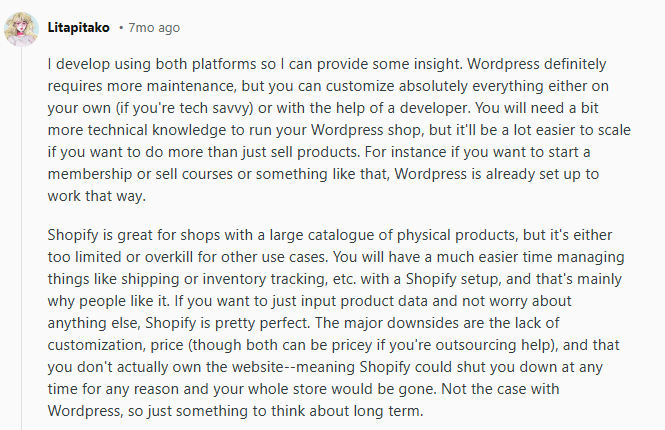
Here’s a Reddit user who highlights a similar viewpoint on Shopify vs. WooCommerce.
Source: Reddit
WooCommerce vs Shopify: Comparative Overview Table
| Factor | WooCommerce | Shopify |
|---|---|---|
| Platform Type | Open-source ecommerce plugin ecosystem for WordPress | Fully hosted ecommerce platform |
| Ease of Use | Requires WordPress setup, hosting, and configuration; steeper learning curve | Beginner-friendly; drag-and-drop interface; all-in-one setup |
| Hosting | Self-hosted (choose your own provider) | Hosting included |
| Pricing Structure | Free core plugin; costs vary (hosting, domain, themes, plugins) | Monthly subscription plans; predictable recurring fees |
| Transaction Fees | No platform fees (payment gateway fees apply) | Transaction fees, unless using Shopify Payments |
| Customization | Highly customizable; full access to code | Customizable via themes and apps; limited core access |
| Scalability | Depends on hosting quality and technical setup | Automatically scalable within subscription tiers |
| Dropshipping | Supported via plugins; requires configuration | Strong app ecosystem; streamlined integrations |
| Website Speed | Depends on hosting and manual optimization | Built-in optimization and managed performance |
| SEO Capabilities | Advanced control over URLs, metadata, and plugins | Solid built-in SEO; less URL flexibility |
| Security | User is responsible for security, updates, and backups | Security, SSL, and updates are managed by the platform |
| Support | Community support; paid support via hosting or developers | 24/7 customer support included |
| Ownership & Control | Full control over website files and hosting environment | Infrastructure controlled by Shopify |
How We Build on WooCommerce & Shopify
To make your decision easier, let’s explore some eCommerce stores we built with Shopify and WooCommerce.
Qure Skincare
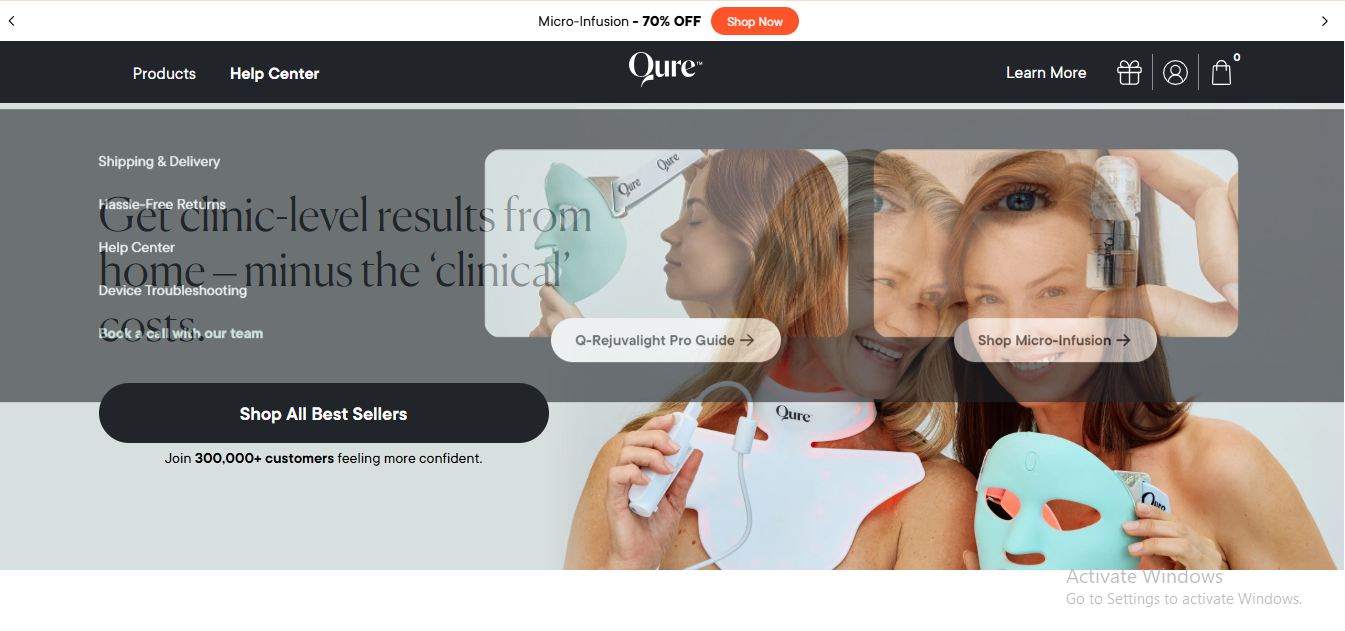
We redesigned and optimized Qure Skincare on Shopify with a strong focus on conversion and brand storytelling. Our approach centered on creating a clean, modern interface that highlights product benefits clearly while keeping the shopping journey simple.
We implemented subscription functionality, optimized the mobile experience, improved page speed, and streamlined the checkout flow.
Because Shopify manages hosting and infrastructure, we were able to prioritize user experience, performance, and store scalability without technical overhead. The result is a fast, conversion-focused store built to handle global traffic and repeat purchases.
Big Green Egg
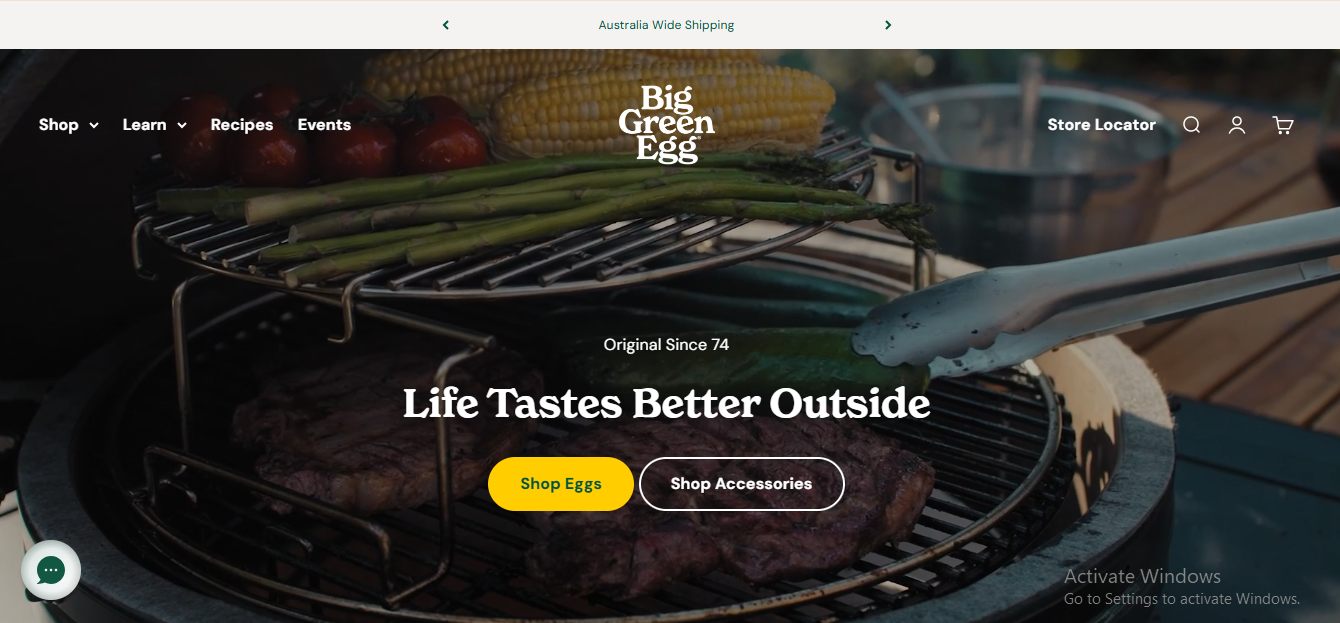
For Big Green Egg, we leveraged Shopify’s scalability to support a large product catalog and strong brand presence. We structured navigation to make product discovery intuitive and implemented performance optimizations to ensure smooth browsing across devices.
We also focused on blending ecommerce functionality with rich brand content. Shopify’s ecosystem allowed us to integrate necessary tools while maintaining site stability and speed.
This project demonstrates how we use Shopify to build robust, high-traffic ecommerce environments with minimal technical friction.
Global Elite Academy
We built Global Elite Academy on WooCommerce within WordPress to support their online training and course sales.
Our focus was on creating a structured, user-friendly experience that allows students to browse programs, enroll securely, and access course information with ease.
Because WooCommerce offers full website customization, we tailored the checkout flow, payment integration, and site structure to match their specific operational needs.
This project reflects how we use WooCommerce to build flexible, content-driven ecommerce platforms that require customization and full control over functionality.

Which Ecommerce Platform Should You Pick?
The choice between WooCommerce and Shopify depends on technical expertise, budget structure, customization needs, and long-term scalability plans.
Shopify prioritizes convenience and managed services, while WooCommerce emphasizes flexibility, ownership, and deep customization within the WordPress ecosystem.
Still Deciding Between WooCommerce and Shopify?
Let’s evaluate your technical needs, budget structure, and long-term growth strategy together.
Conclusion
Choosing between WooCommerce and Shopify depends on your business structure, technical capacity, and growth plans.
Shopify is ideal if you want a fully managed, subscription-based platform with predictable costs and minimal technical work. It’s great for scaling brands and dropshipping, and expert Shopify development from teams like Aron Web Solutions can further enhance performance and conversions.
WooCommerce suits businesses that need full ownership, deep customization, and advanced SEO flexibility within WordPress. It offers complete control over hosting, code, and data.
There’s no single “best” option, the right choice depends on your budget, resources, and how much control you want over your ecommerce setup.
Frequently Asked Questions
WooCommerce itself is free to use; the core plugin doesn’t cost anything. However, you’ll need to pay for things like hosting, a domain name, premium themes, extensions, and ongoing maintenance, which can add up depending on your setup and business needs.
If you prioritize a straightforward setup and minimal technical effort, Shopify is likely the more suitable option. However, if you prefer full control, customization freedom, and flexibility over your online store, choose WooCommerce.
Shopify offers a free trial, but you cannot run a live store long-term without paying for a subscription. After the trial ends, you must choose a monthly plan to continue selling products and accessing core ecommerce features like checkout, payment processing, etc.
You can assign a new user role automatically after purchase by using a role management plugin or custom code hooked to order completion. For example, when a customer buys a specific product (such as a course or membership), their account role can be changed to grant special access. This is commonly used for online learning platforms and gated content websites.
You can create and set up a store during Shopify’s free trial period. However, to publish the store, accept payments, and sell publicly, you must subscribe to a paid plan. There is no permanent free plan available for operating a live Shopify store. If you later decide to stop selling, you can review our step-by-step guide on how to cancel your Shopify subscription.
In WooCommerce, you can set a product’s visibility to “Private” or “Password Protected” under the product publishing settings. Private products are only visible to administrators and editors. You can also use catalog visibility settings to exclude products from search results and shop pages.
A user role editor plugin allows you to customize permissions for different user roles in WordPress and WooCommerce, such as shop managers, editors, or customers. Using a “nulled” (pirated) plugin version is not recommended. It can expose your website to malware, security vulnerabilities, and legal risks.
You can create a coupon under WooCommerce > Coupons and set the discount type to “Free Shipping.” Enable the free shipping option within the coupon settings and define any restrictions, such as usage limits or subscription-specific conditions.